
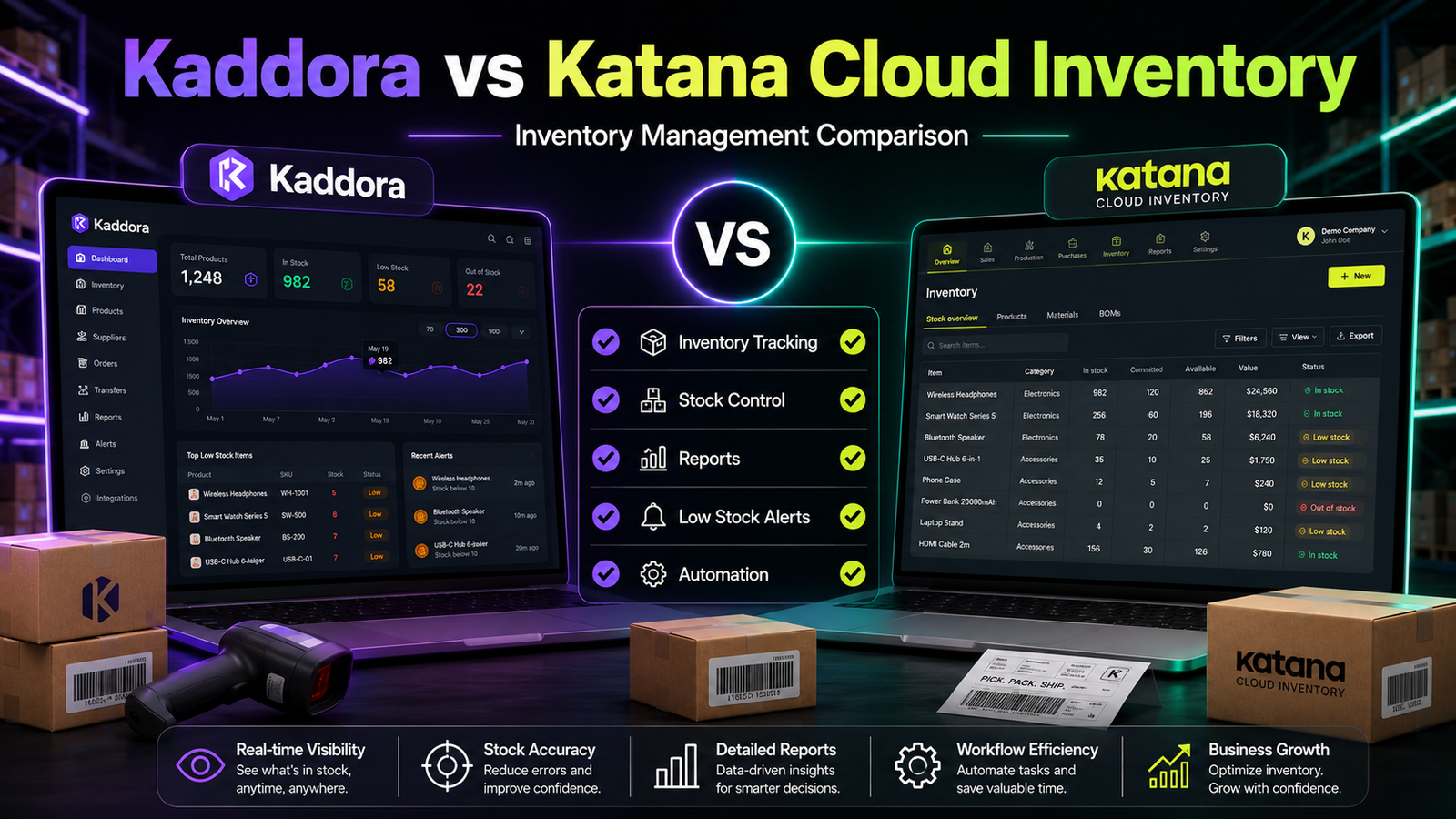
Kaddora vs Katana Cloud Inventory
Choosing inventory software isn't simply about selecting the platform with the most features. It's about finding the solution that best supports your business processes.
Some businesses only need powerful inventory management inside WooCommerce, while others also require manufacturing workflows, production planning, warehouse management, and purchasing tools.
Two solutions merchants often evaluate are Kaddora WooCommerce Inventory Management and Katana Cloud Inventory. Although both help manage inventory, they are designed for different operational requirements.
This comparison explains their differences, strengths, and ideal use cases so you can make an informed decision.
Quick Comparison
Feature
Kaddora
Katana Cloud Inventory
WooCommerce Integration
✅
✅
Centralized Inventory Dashboard
✅
✅
Real-Time Inventory Tracking
✅
✅
Inventory Reports
✅
✅
Low-Stock Monitoring
✅
✅
Bulk Inventory Updates
✅
✅
Manufacturing Management
❌
✅
Production Planning
❌
✅
Warehouse Management
Basic
Advanced
Purchase Order Management
Depends on edition
✅
Note: Product capabilities evolve over time. Verify the latest feature lists before making purchasing decisions.
Product Overview
Kaddora WooCommerce Inventory Management
Kaddora is built specifically for WooCommerce merchants looking to improve inventory visibility and day-to-day stock management.
Its focus includes:
Inventory tracking
Stock monitoring
Inventory reports
Bulk inventory management
Centralized inventory dashboard
WooCommerce-first workflow
Katana Cloud Inventory
Katana is a broader inventory and manufacturing platform designed for businesses managing production in addition to inventory.
Its capabilities extend beyond WooCommerce into manufacturing operations.
Common features include:
Manufacturing management
Production scheduling
Warehouse operations
Material planning
Purchase order workflows
Inventory control
Feature Comparison
Inventory Management
Kaddora
Designed primarily for WooCommerce inventory management with a focus on operational simplicity.
Key capabilities include:
Real-time stock visibility
Inventory dashboard
Inventory reports
Low-stock alerts
Bulk inventory updates
Katana
Provides inventory management as part of a larger manufacturing platform.
Businesses managing production processes can oversee inventory alongside manufacturing operations.
Manufacturing Support
Kaddora
Focused on inventory management rather than manufacturing.
For businesses that only sell finished products through WooCommerce, this focused approach may be sufficient.
Katana
Manufacturing is one of Katana's primary strengths.
Businesses producing their own goods can manage:
Raw materials
Work orders
Production scheduling
Manufacturing workflows
Inventory Reporting
Kaddora
Provides inventory reports designed to help merchants monitor inventory performance and stock movement.
Katana
Offers inventory reporting alongside manufacturing and production analytics.
Ease of Implementation
Kaddora
Suitable for businesses seeking a WooCommerce-focused inventory solution without the complexity of manufacturing software.
Katana
Businesses with manufacturing operations may benefit from its broader feature set, though implementation can involve additional planning due to its wider scope.
Which Solution Fits Your Business?
Choose Kaddora If You Need
WooCommerce-focused inventory management
Centralized inventory dashboard
Inventory reports
Low-stock monitoring
Bulk inventory updates
A streamlined inventory workflow
Choose Katana If You Need
Manufacturing management
Production planning
Warehouse operations
Material requirements planning
Purchase order workflows
Manufacturing analytics
Questions to Ask Before Choosing
Before selecting either platform, consider:
Do you manufacture products or only sell finished goods?
Do you need production scheduling?
Is WooCommerce your primary sales channel?
Do you require inventory reports?
How large is your product catalog?
Will multiple departments use the software?
Choosing software that aligns with your operational model is generally more valuable than choosing the solution with the longest feature list.
Related Articles
Continue exploring WooCommerce inventory management:
Best WooCommerce Inventory Management Plugins
Kaddora WooCommerce Inventory Management Review
Kaddora WooCommerce Inventory Management Features
Why Choose Kaddora WooCommerce Inventory Management Plugin
Kaddora vs ATUM Inventory Management
Kaddora vs Stock Sync for WooCommerce
Prevent Overselling in WooCommerce
Inventory Forecasting Using AI
Frequently Asked Questions
Is Katana Cloud Inventory only for manufacturers?
Katana is widely used by manufacturing businesses, but it can also support inventory management for companies with broader operational requirements.
Which platform is better for WooCommerce inventory management?
Businesses that primarily need inventory management within WooCommerce may prefer a WooCommerce-focused solution, while manufacturers may benefit from software that combines inventory and production management.
Can both integrate with WooCommerce?
Yes. Both support WooCommerce, although their overall product focus differs.
Which solution is easier for small WooCommerce stores?
The answer depends on business complexity. Stores without manufacturing requirements may find a focused inventory management solution easier to implement.
Final Verdict
Both Kaddora WooCommerce Inventory Management and Katana Cloud Inventory provide valuable inventory capabilities, but they target different types of businesses.
If your primary objective is efficient inventory management inside WooCommerce—with centralized dashboards, inventory reports, stock monitoring, and streamlined workflows—Kaddora is a strong solution to evaluate.
If your business manufactures products and needs production planning, warehouse management, and manufacturing workflows alongside inventory management, Katana Cloud Inventory may be the more appropriate choice.
The right decision depends on your operational requirements, business model, and long-term growth plans.
Comments (0)