
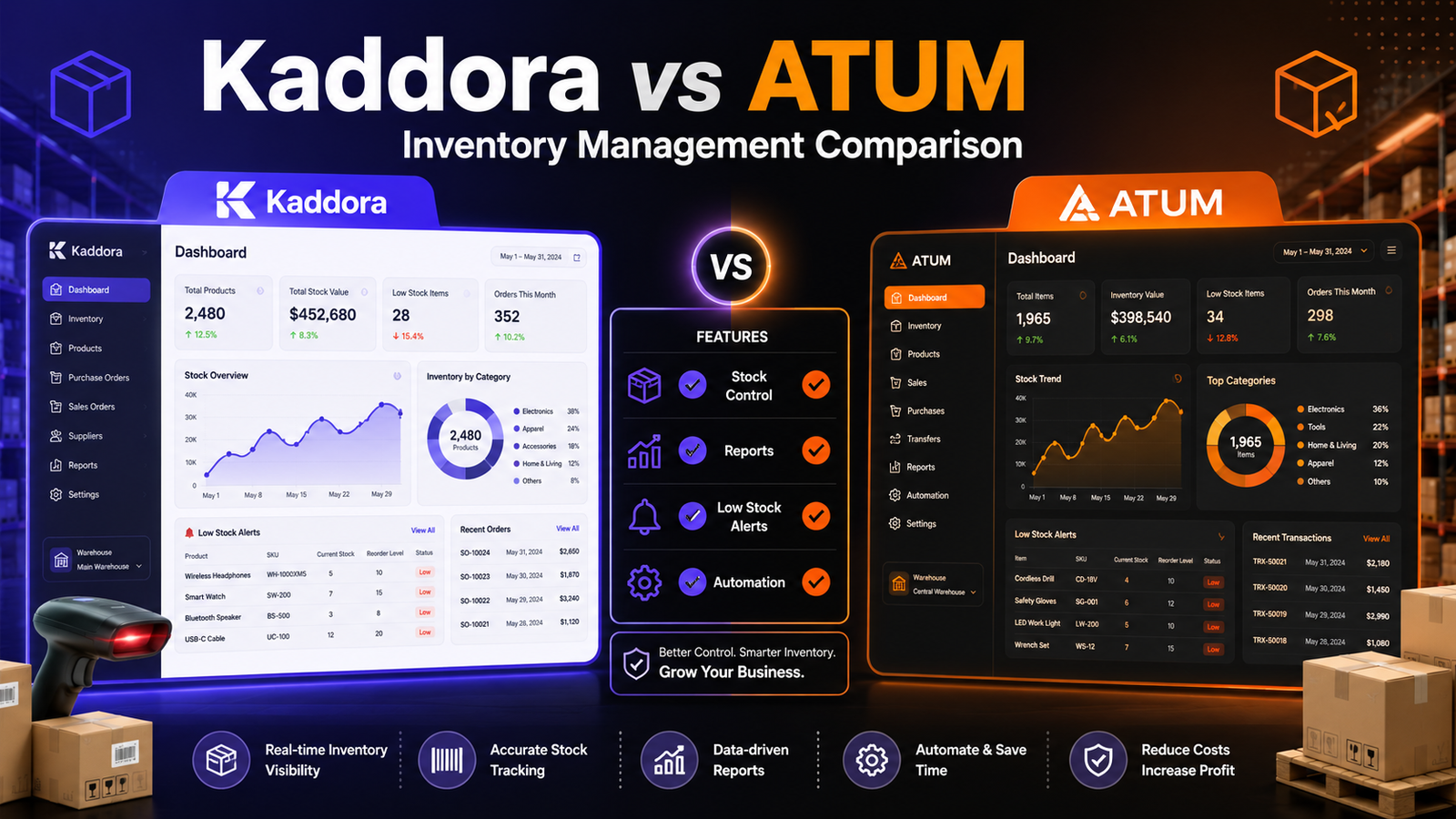
Kaddora vs ATUM Inventory Management: Which WooCommerce Inventory Plugin Should You Choose? (2026)
Meta Title: Kaddora vs ATUM Inventory Management
Meta Description: Compare Kaddora and ATUM Inventory Management for WooCommerce. Explore features, inventory tracking, reporting, automation, ease of use, and find the right inventory management solution for your business.
Focus Keyword: Kaddora vs ATUM Inventory Management
URL Slug: kaddora-vs-atum-inventory-management
Kaddora vs ATUM Inventory Management
Choosing the right inventory management plugin is an important decision for any WooCommerce store. The right solution can improve inventory visibility, simplify stock management, reduce manual work, and support business growth.
Two plugins that WooCommerce merchants may evaluate are Kaddora WooCommerce Inventory Management and ATUM Inventory Management. Both are designed to help businesses manage inventory more efficiently, but they differ in focus, workflows, and available capabilities.
This comparison explains their key features, strengths, and the types of businesses each solution may suit best.
Quick Comparison
Feature
Kaddora
ATUM
WooCommerce Integration
✅
✅
Inventory Dashboard
✅
✅
Real-Time Stock Tracking
✅
✅
Low-Stock Alerts
✅
✅
Inventory Reports
✅
Basic
Bulk Inventory Updates
✅
✅
SKU Management
✅
✅
Supplier Management
Not the primary focus
✅
Purchase Order Support
Depends on edition
✅
Note: Feature availability may change over time. Always verify the latest capabilities before making a purchasing decision.
Overview
Kaddora WooCommerce Inventory Management
Kaddora focuses on providing WooCommerce businesses with centralized inventory management, inventory visibility, reporting, and tools that simplify everyday stock operations.
It is designed specifically for WooCommerce merchants who want an organized inventory workflow within their existing store.
ATUM Inventory Management
ATUM is a long-established WooCommerce inventory management plugin that offers stock management features along with optional extensions for supplier management, purchase orders, and additional business workflows.
It is often used by businesses seeking broader inventory administration capabilities.
Feature Comparison
Inventory Dashboard
Kaddora
Provides a centralized dashboard for monitoring stock levels, inventory status, and inventory performance.
ATUM
Includes an inventory dashboard that offers stock management and product administration features.
Inventory Reporting
Kaddora
Includes reporting tools that help merchants review inventory movement, product performance, and inventory trends.
ATUM
Provides reporting capabilities, with additional functionality available through premium extensions.
Bulk Inventory Management
Both plugins support bulk inventory operations, helping merchants update stock information more efficiently than editing products individually.
SKU Management
Both plugins support SKU management for organizing product inventories.
Low-Stock Monitoring
Each solution offers tools to help merchants identify products approaching low inventory levels.
Ease of Use
Kaddora
Designed with a WooCommerce-first workflow and an emphasis on centralized inventory management.
Suitable for
WooCommerce-focused businesses
Growing online stores
Merchants seeking an organized inventory interface
ATUM
Offers a broad inventory management environment with optional advanced modules.
Suitable for
Businesses requiring supplier management
Stores managing purchasing workflows
Merchants interested in expandable inventory functionality
Which Plugin Fits Your Business?
Choose Kaddora if you want:
A WooCommerce-focused inventory solution
Centralized inventory visibility
Inventory reports
Real-time stock monitoring
Bulk inventory management
A streamlined inventory workflow
Choose ATUM if you want:
Supplier management features
Purchase order workflows
A plugin with optional premium inventory modules
Broader inventory administration capabilities
Factors to Consider Before Choosing
When evaluating inventory plugins, ask yourself:
How many products do you manage?
Do you need advanced reporting?
Will multiple employees manage inventory?
Do you need supplier management?
Do you require purchase order workflows?
How important is workflow simplicity?
Choosing a solution that aligns with your operational needs is generally more important than selecting the plugin with the longest feature list.
Related Articles
If you're researching WooCommerce inventory management, these guides may also help:
Best WooCommerce Inventory Management Plugins
Kaddora WooCommerce Inventory Management Review
Kaddora WooCommerce Inventory Management Features
Why Choose Kaddora WooCommerce Inventory Management Plugin
Prevent Overselling in WooCommerce
Inventory Reports in WooCommerce
AI Inventory Management for WooCommerce
Frequently Asked Questions
Is Kaddora better than ATUM?
Neither plugin is universally "better." The right choice depends on your workflow, reporting needs, inventory processes, and whether you need features such as supplier management or purchase order support.
Which plugin is easier for WooCommerce users?
Both integrate with WooCommerce. Merchants should evaluate the interface, workflow, and feature set to determine which best fits their business.
Do both plugins support inventory tracking?
Yes. Both provide inventory management capabilities, though the exact implementation and feature set differ.
Which plugin is better for growing businesses?
Growing businesses should consider factors such as reporting, scalability, workflow, support, and future operational requirements when making a decision.
Final Verdict
Both Kaddora WooCommerce Inventory Management and ATUM Inventory Management provide valuable tools for WooCommerce inventory management.
If your priority is a WooCommerce-focused workflow with centralized inventory visibility, reporting, and operational simplicity, Kaddora may be a good fit to evaluate.
If your business places greater emphasis on supplier management, purchase orders, and expandable inventory workflows, ATUM may also be worth considering.
The best choice is the one that aligns with your current business processes, future growth plans, and inventory management requirements.
Comments (0)