
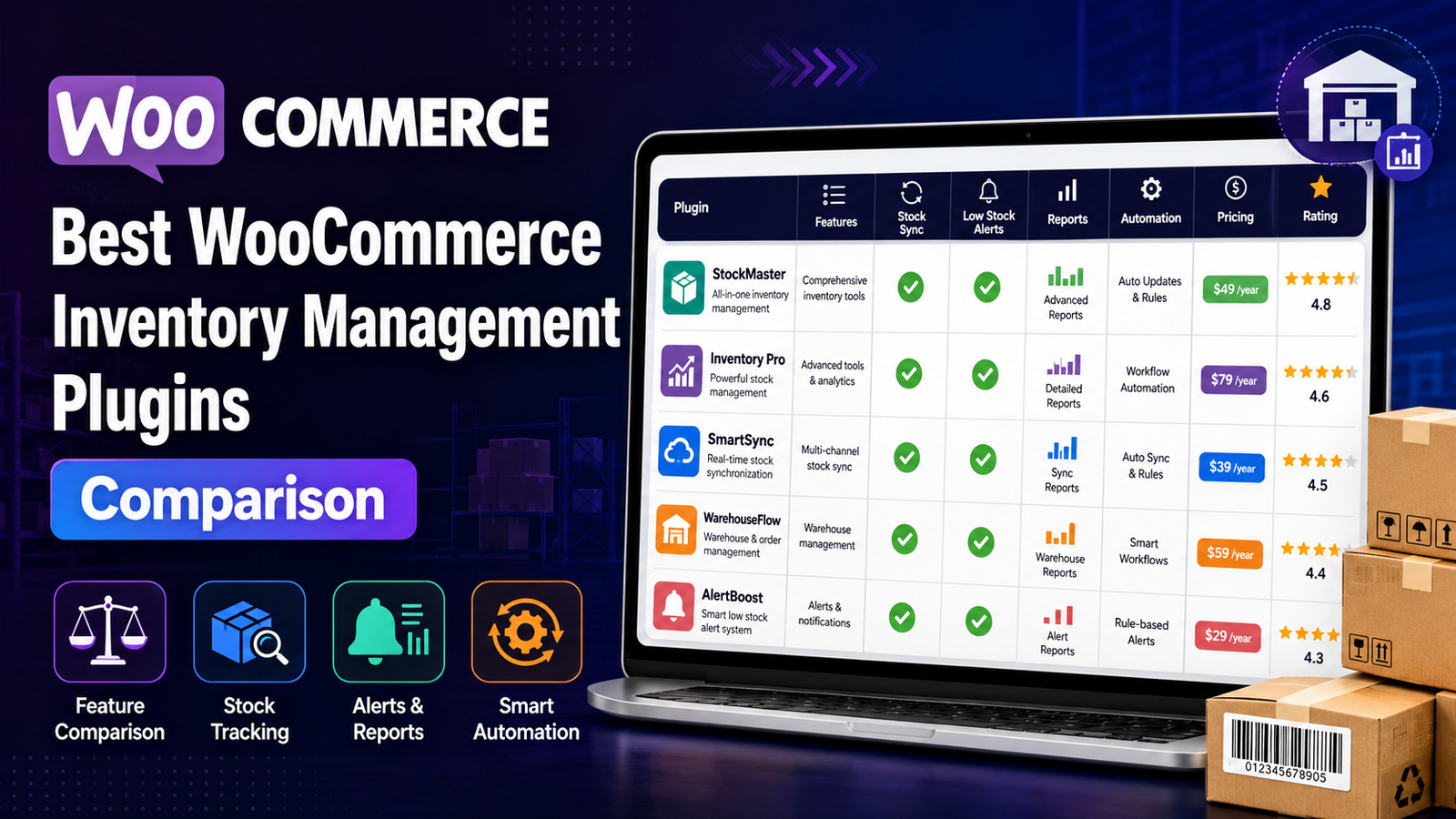
Best WooCommerce Inventory Management Plugins ( Comparison)
Managing inventory efficiently is one of the biggest challenges for growing WooCommerce stores. As product catalogs expand and order volumes increase, manually tracking stock becomes difficult, leading to stockouts, overselling, delayed fulfillment, and unnecessary operational costs.
Fortunately, WooCommerce supports a wide range of inventory management plugins that help automate stock tracking, improve inventory visibility, and simplify day-to-day operations.
This guide compares some of the best WooCommerce inventory management plugins available in 2026, highlighting their strengths, ideal use cases, and the features you should look for before making a decision.
Quick Comparison Table
Plugin
Best For
Real-Time Tracking
Reports
Bulk Updates
Low-Stock Alerts
Kaddora WooCommerce Inventory Management
Growing WooCommerce businesses
✅
✅
✅
✅
ATUM Inventory Management
General inventory control
✅
Limited
✅
✅
Smart Manager
Bulk product management
Limited
Limited
✅
Basic
Stock Sync for WooCommerce
Inventory synchronization
✅
Basic
Limited
Basic
Katana Cloud Inventory
Manufacturing businesses
✅
Advanced
✅
✅
What Makes a Good Inventory Management Plugin?
Before choosing a plugin, consider whether it provides:
Real-time inventory tracking
Inventory dashboards
Low-stock alerts
Bulk inventory editing
SKU management
Inventory reports
Product performance insights
Automation features
Scalability
Easy WooCommerce integration
The right plugin depends on your store size, workflow, and future growth plans.
1. Kaddora WooCommerce Inventory Management
Best For
Growing WooCommerce businesses that need centralized inventory management, automation, and actionable reporting.
Key Features
Real-time inventory tracking
Centralized inventory dashboard
Bulk stock updates
SKU management
Low-stock alerts
Inventory reports
Product performance insights
WooCommerce integration
Pros
Clean inventory dashboard
Strong reporting capabilities
Built for WooCommerce
Easy inventory monitoring
Supports growing stores
Considerations
Best suited for WooCommerce-based businesses looking for an integrated inventory workflow.
2. ATUM Inventory Management
ATUM is a well-known WooCommerce inventory plugin that offers inventory control, supplier management, and stock monitoring.
Best For
Stores looking for an established inventory management platform with optional premium extensions.
Strengths
Inventory dashboard
Stock control
Supplier management
Purchase order support
Considerations
Some advanced capabilities require paid add-ons.
3. Smart Manager
Smart Manager focuses on bulk editing and spreadsheet-style product management.
Best For
Merchants managing large product catalogs that require frequent bulk updates.
Strengths
Bulk editing
Spreadsheet interface
Product management
Order editing
Considerations
It focuses more on bulk administration than comprehensive inventory analytics.
4. Stock Sync for WooCommerce
Stock Sync helps synchronize inventory between WooCommerce and external systems.
Best For
Businesses managing inventory across multiple platforms.
Strengths
Inventory synchronization
Scheduled updates
Import/export functionality
Considerations
Reporting features are more limited than dedicated inventory management platforms.
5. Katana Cloud Inventory
Katana is designed primarily for manufacturers and product-based businesses requiring production planning alongside inventory management.
Best For
Manufacturing businesses using WooCommerce.
Strengths
Manufacturing workflows
Inventory planning
Warehouse management
Purchase planning
Considerations
Its broader manufacturing focus may be more than a standard WooCommerce retailer needs.
Feature Comparison
Feature
Kaddora
ATUM
Smart Manager
Stock Sync
Katana
Real-Time Tracking
✅
✅
⚠️
✅
✅
Inventory Dashboard
✅
✅
⚠️
❌
✅
Low-Stock Alerts
✅
✅
⚠️
⚠️
✅
Bulk Updates
✅
✅
✅
⚠️
✅
Inventory Reports
✅
Basic
Basic
Basic
Advanced
SKU Management
✅
✅
✅
Limited
✅
How to Choose the Right Plugin
Ask yourself:
How many products do you manage?
Do you need real-time inventory tracking?
Will multiple team members manage inventory?
Do you need detailed inventory reports?
Do you expect rapid business growth?
Do you need automation and forecasting?
The answers will help determine which solution fits your business.
Why Many Growing WooCommerce Stores Choose Kaddora
As WooCommerce businesses grow, inventory management becomes more than simply updating stock quantities.
Kaddora WooCommerce Inventory Management Plugin focuses on helping businesses organize inventory through automation, centralized dashboards, reporting, and real-time stock visibility.
Highlights
Centralized inventory management
Automated stock monitoring
Inventory reports
Product insights
Low-stock alerts
Bulk inventory tools
WooCommerce-first design
Frequently Asked Questions
Which is the best WooCommerce inventory management plugin?
The best plugin depends on your business requirements. Factors such as reporting, automation, scalability, inventory dashboards, and ease of use should all be considered before making a decision.
Does WooCommerce include inventory management?
WooCommerce includes basic inventory management features, but many businesses adopt dedicated plugins as their operations become more complex.
What features should I look for?
Look for real-time stock tracking, inventory dashboards, low-stock alerts, reporting, bulk editing, SKU management, and automation.
Is inventory automation worth it?
For growing stores, automation can reduce manual work, improve stock accuracy, and simplify inventory management.
Final Verdict
Choosing the right inventory management plugin is an investment in your store's efficiency and long-term growth.
If your business only needs basic stock control, WooCommerce's built-in features may be sufficient. However, as your product catalog expands and inventory workflows become more complex, dedicated inventory management software can save significant time while reducing costly stock errors.
For WooCommerce businesses looking for a solution focused on real-time inventory visibility, reporting, automation, and ease of use, Kaddora WooCommerce Inventory Management Plugin is a strong option to evaluate alongside other established solutions.
Comments (0)