
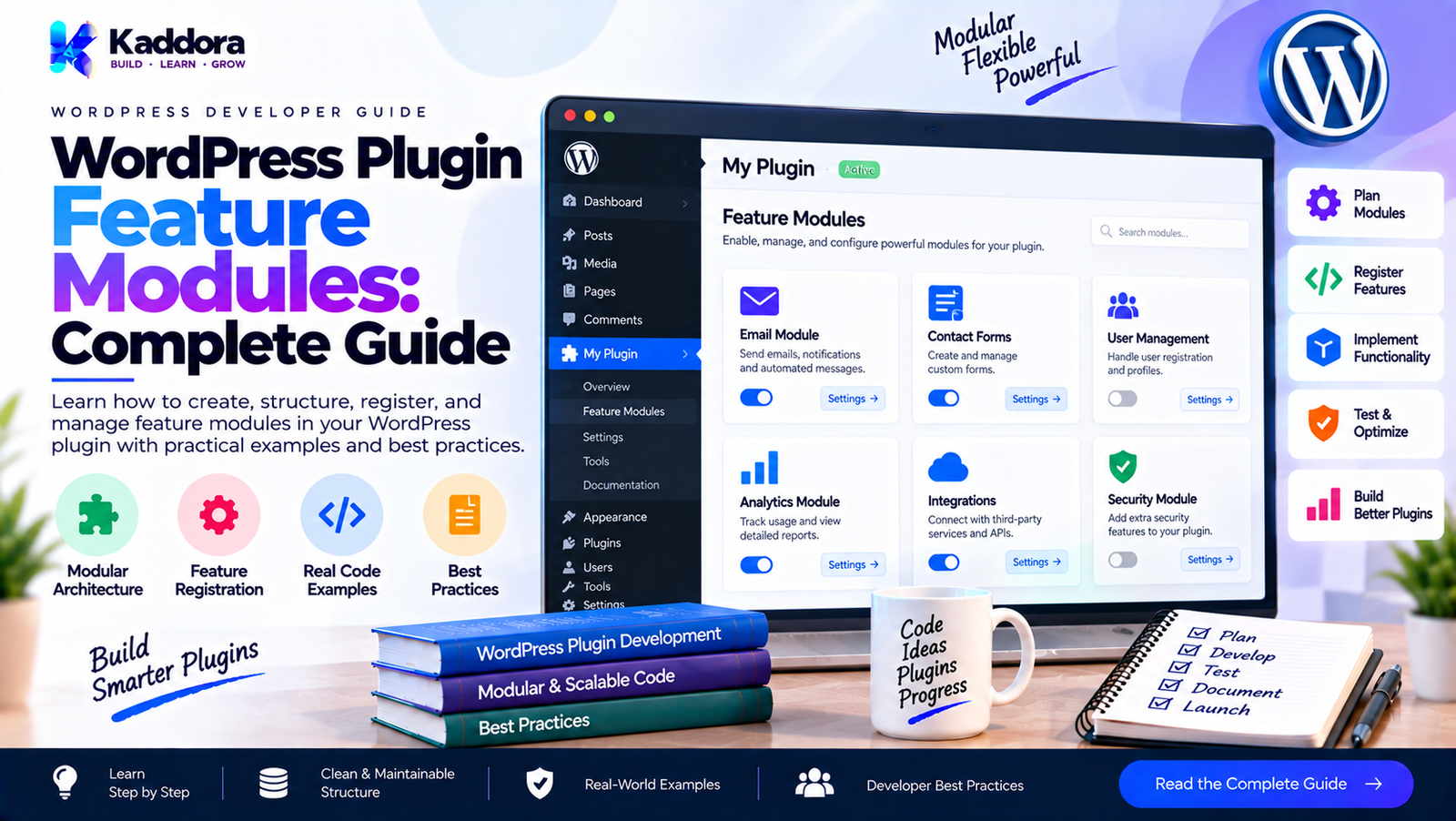
WordPress Plugin Feature Modules: Complete Guide
Introduction
A growing WordPress plugin rarely remains a collection of a few simple functions.
As functionality expands, a single plugin may include:
Admin dashboards
Settings
Reports
REST APIs
AJAX handlers
Frontend features
WooCommerce integrations
Analytics
Notifications
Email functionality
Scheduled tasks
AI features
Database operations
Import and export tools
Third-party integrations
If all of these features are implemented together, the plugin can quickly become difficult to maintain.
A better approach is to organize functionality into feature modules.
A feature module groups the code, services, hooks, and supporting components required to implement one meaningful plugin feature.
For example:
Plugin │ ├── Dashboard Feature ├── Analytics Feature ├── Reports Feature ├── Notifications Feature ├── WooCommerce Feature └── REST API Feature
This approach allows developers to add, modify, disable, test, and document features more independently.
What Are WordPress Plugin Feature Modules?
A WordPress plugin feature module is a self-contained architectural unit representing a specific feature or capability of a plugin.
For example, an analytics plugin could contain:
Analytics Plugin │ ├── Tracking Feature ├── Reports Feature ├── Dashboard Feature ├── Export Feature └── REST API Feature
Each feature can have its own:
Module class
Services
Repositories
Controllers
Admin screens
REST endpoints
Assets
Configuration
Tests
The objective is to make the feature understandable as a distinct unit.
Feature Module vs Generic Module
A generic module might represent an execution context:
Admin Module REST Module Cron Module Frontend Module
A feature module represents a business or product capability:
Analytics Module Reports Module Import Module Notifications Module
These concepts can coexist.
For example:
Analytics Feature │ ├── Admin integration ├── REST integration └── Cron integration
This distinction is useful when designing large plugins.
Why Feature Modules Matter
Feature modules help prevent a plugin from becoming one large collection of unrelated code.
Without feature separation:
plugin.php ↓ Everything
With feature modules:
Plugin │ ├── Analytics ├── Reports ├── Notifications └── Integrations
This can improve:
Maintainability
Developers can work on individual features without navigating unrelated code.
Extensibility
New features can be added as separate modules.
Testing
Feature-specific behavior can be tested independently.
Debugging
Problems can be isolated to a particular feature.
Team Development
Different developers can work on separate modules with less overlap.
Conditional Loading
Optional features can be enabled or disabled independently.
Anatomy of a Feature Module
A feature module might contain several layers.
Analytics/ │ ├── class-analytics-module.php ├── Services/ │ └── class-analytics-service.php ├── Repositories/ │ └── class-analytics-repository.php ├── Admin/ │ └── class-analytics-admin.php ├── REST/ │ └── class-analytics-controller.php └── Assets/ ├── analytics.css └── analytics.js
Not every feature needs every layer.
A small feature might only need:
Feature/ └── class-feature-module.php
Architecture should match the complexity of the feature.
Feature Module Responsibilities
A feature module should primarily coordinate the feature.
For example:
final class Analytics_Module implements Module_Interface { public function register() { add_action( 'init', array( $this, 'register_feature' ) ); } public function register_feature() { // Register analytics functionality. } }
The module should not necessarily contain all business logic.
A better structure is:
Analytics Module │ ├── Analytics Service ├── Analytics Repository └── Analytics Admin
The module coordinates these components.
Creating a Feature Module Interface
A common contract can be used:
interface Feature_Module_Interface { public function register(); }
Then:
final class Reports_Module implements Feature_Module_Interface { public function register() { // Register report feature. } }
Another feature:
final class Notifications_Module implements Feature_Module_Interface { public function register() { // Register notification feature. } }
The main application can treat all feature modules consistently.
Registering Multiple Feature Modules
The plugin can maintain a list:
$features = array( new Analytics_Module(), new Reports_Module(), new Notifications_Module(), );
Then:
foreach ( $features as $feature ) { $feature->register(); }
This creates a predictable feature-registration process.
Feature Modules and the Main Plugin
The main plugin should not contain detailed feature implementation.
Instead:
Main Plugin │ ▼ Application │ ▼ Feature Registry │ ┌───┼──────────────┐ ▼ ▼ ▼ Analytics Reports Notifications
The main application coordinates.
Each feature owns its implementation.
Feature-Based Folder Organization
A large plugin can use feature-oriented directories.
For example:
my-plugin/ │ ├── my-plugin.php │ ├── src/ │ ├── Core/ │ │ │ └── Features/ │ ├── Analytics/ │ │ ├── Analytics_Module.php │ │ ├── Analytics_Service.php │ │ └── Analytics_Repository.php │ │ │ ├── Reports/ │ │ ├── Reports_Module.php │ │ └── Reports_Service.php │ │ │ └── Notifications/ │ ├── Notifications_Module.php │ └── Notifications_Service.php
This makes the directory structure reflect the product structure.
Feature Modules and Business Logic
Business logic should generally live in services or domain-oriented classes rather than the module itself.
Instead of:
final class Reports_Module { public function register() { add_action( 'admin_init', array( $this, 'generate_report' ) ); } public function generate_report() { // Hundreds of lines of business logic. } }
Prefer:
final class Reports_Module { private $report_service; public function __construct( Report_Service $report_service ) { $this->report_service = $report_service; } public function register() { add_action( 'admin_init', array( $this, 'handle_admin' ) ); } public function handle_admin() { $this->report_service->generate(); } }
The module connects WordPress to the feature.
The service performs the operation.
Feature Modules and WordPress Hooks
A feature module can register the WordPress hooks required by its feature.
For example:
final class Export_Module implements Feature_Module_Interface { public function register() { add_action( 'admin_post_kaddora_export', array( $this, 'export' ) ); } public function export() { // Export feature. } }
The feature owns its WordPress integration instead of putting the hook in a global bootstrap file.
Admin Feature Modules
Admin functionality is often an excellent candidate for a feature module.
For example:
Reports Feature │ ├── Reports Module ├── Reports Admin ├── Reports Service └── Reports Repository
The admin component can register:
Menus
Settings
Notices
Tables
Meta boxes
Admin assets
while the service handles the underlying operations.
REST API Feature Modules
REST functionality can also be isolated.
final class Reports_Rest_Module implements Feature_Module_Interface { public function register() { add_action( 'rest_api_init', array( $this, 'register_routes' ) ); } public function register_routes() { // Register report endpoints. } }
A large feature may have multiple adapters:
Reports Feature │ ├── Admin ├── REST API ├── CLI └── Service
The business logic can remain independent from the interface through which it is accessed.
Feature Modules and WooCommerce
For WooCommerce plugins, feature modules can separate business capabilities.
For example:
Commerce Plugin │ ├── Product Analytics ├── Order Analytics ├── Customer Analytics ├── Returns ├── Smart Upsell └── Recommendations
Each feature can have its own services and integrations.
This becomes particularly valuable when the plugin contains many WooCommerce-related capabilities.
Optional Feature Modules
Not every feature needs to be enabled.
For example:
if ( $settings->is_enabled( 'reports' ) ) { $registry->add( 'reports', new Reports_Module( $report_service ) ); }
This allows the plugin to separate:
Core Features
from:
Optional Features
A disabled feature should ideally avoid registering unnecessary hooks and assets.
Feature Flags
Feature modules can work with feature flags.
For example:
if ( $feature_flags->enabled( 'advanced_analytics' ) ) { $registry->add( 'advanced-analytics', new Advanced_Analytics_Module() ); }
Feature flags can be useful for:
Gradual rollouts
Experimental features
Premium functionality
Compatibility controls
Administrative settings
They should not become a substitute for proper architecture.
Premium Feature Modules
Commercial plugins sometimes have free and premium functionality.
A modular structure can separate them:
Plugin │ ├── Core ├── Free Features └── Premium Features
For example:
Analytics ├── Basic Analytics ├── Reports └── Advanced AI Insights
The premium module can remain isolated from the core functionality.
This can reduce unnecessary coupling between product editions.
Feature Module Dependencies
Features may depend on other features.
For example:
AI Recommendations ↓ Product Data ↓ WooCommerce Integration
These dependencies should be explicit.
final class Recommendation_Module { private $product_service; public function __construct( Product_Service $product_service ) { $this->product_service = $product_service; } }
Avoid having the module silently search for dependencies through globals.
Required vs Optional Feature Dependencies
Consider two features:
Reports ↓ Analytics
If Reports cannot function without Analytics, that dependency should be explicit.
Alternatively, if Reports can operate independently, avoid making Analytics a hard dependency.
A good rule is:
Only declare a dependency when the feature genuinely cannot operate without it.
This keeps the architecture flexible.
Avoid Circular Feature Dependencies
A problematic structure looks like:
Feature A ↓ Feature B ↓ Feature A
For example:
Reports → Analytics Analytics → Reports
Circular dependencies make initialization and testing harder.
A better approach may be to extract shared functionality:
Shared Service / \ ↓ ↓ Reports Analytics
Feature Modules and Shared Services
Features should not duplicate common functionality.
Suppose both Reports and Analytics need order data.
Instead of:
Reports → Own Order Logic Analytics → Own Order Logic
Create:
Order Service ↓ ↓ Reports Analytics
This keeps shared functionality centralized without forcing the features themselves to become tightly coupled.
Feature Modules and Configuration
A feature may have its own configuration.
For example:
final class Analytics_Module { private $configuration; public function __construct( Analytics_Configuration $configuration ) { $this->configuration = $configuration; } }
Configuration can control:
Enabled state
Tracking settings
Retention options
API configuration
Feature behavior
Keep configuration separate from business logic when the feature becomes sufficiently complex.
Feature Module Assets
Feature-specific assets should be loaded only when required.
For example:
add_action( 'admin_enqueue_scripts', array( $this, 'enqueue_assets' ) ); public function enqueue_assets( $hook_suffix ) { if ( 'toplevel_page_kaddora-reports' !== $hook_suffix ) { return; } wp_enqueue_script( 'kaddora-reports', plugin_dir_url( __FILE__ ) . 'assets/reports.js', array(), '1.0.0', true ); }
The important architectural principle is that a feature should not unnecessarily load its assets across the entire WordPress installation.
Feature Modules and Database Operations
A feature may require database access.
For example:
Analytics Feature ↓ Analytics Repository ↓ Database
The module should not become a giant database class.
Instead:
final class Analytics_Service { private $repository; public function __construct( Analytics_Repository $repository ) { $this->repository = $repository; } }
The repository handles data access while the service handles feature operations.
Feature Modules and Background Processing
Scheduled or background operations can also be isolated.
For example:
Email Reports Feature │ ├── Admin Settings ├── Report Service └── Cron Handler
The feature module can register the required cron-related hooks while the service handles report generation.
Feature Modules and CLI Commands
A feature can expose WP-CLI functionality without mixing CLI logic into the core service.
Import Feature │ ├── Import Service ├── Admin UI └── CLI Command
Both interfaces can use the same service:
Admin → Import Service CLI → Import Service REST → Import Service
This avoids duplicating business logic.
Feature Module Lifecycle
A useful lifecycle can be:
Feature Definition ↓ Dependency Resolution ↓ Feature Construction ↓ Registration ↓ WordPress Runtime ↓ Feature Execution
For complex plugins, an explicit lifecycle can make initialization easier to understand.
Disabling Feature Modules
A feature can be disabled without removing its code.
if ( ! $feature_manager->is_enabled( 'analytics' ) ) { return; }
This can be useful for:
Troubleshooting
Performance management
Optional features
Compatibility
Product configuration
Disabling should not delete feature data unless the plugin has an explicit, documented data-management workflow.
Feature Modules and Backward Compatibility
When introducing a new feature architecture into an existing plugin, avoid forcing every existing component to change immediately.
A migration can be incremental:
Old Architecture ↓ Compatibility Layer ↓ New Feature Modules
This allows existing APIs and hooks to continue functioning while newer functionality uses the modular architecture.
Testing Feature Modules
Feature modules should be testable independently.
Useful tests include:
Registration Tests
Verify that expected hooks are registered.
Dependency Tests
Verify that required services are available.
Conditional Tests
Verify that disabled features are not registered.
Integration Tests
Verify that the feature works with WordPress and other dependencies.
Failure Tests
Verify that optional dependencies fail gracefully.
A useful test structure is:
Feature ├── Unit Tests ├── Integration Tests └── Compatibility Tests
Performance Considerations
Feature modules can support performance by avoiding unnecessary initialization.
For example:
Every Request ↓ Core Only
instead of:
Every Request ↓ Core Analytics Reports AI CRM WooCommerce Imports Exports
However, modularization does not automatically make a plugin faster.
A poorly designed modular system can create additional object creation and initialization overhead.
Focus on:
Conditional registration
Lightweight bootstrap
Avoiding unnecessary queries
Avoiding unnecessary remote requests
Loading assets only where needed
Deferring expensive operations
Common Feature Module Mistakes
1. Creating Modules for Every Tiny Function
Not every helper needs its own module.
2. Making the Module a Giant Class
A module should coordinate functionality rather than contain the entire feature implementation.
3. Sharing Too Much State
Avoid large global objects containing unrelated feature state.
4. Hidden Dependencies
Make important dependencies explicit.
5. Circular Dependencies
Extract shared functionality when two features depend on each other.
6. Loading Disabled Features
Avoid registering hooks and assets for features that are not active.
7. Mixing Product Logic and WordPress Integration
Keep business operations separate from WordPress-specific adapters where practical.
8. Overengineering
A 200-line module framework is not automatically better than a simple feature registry.
Recommended Feature Module Architecture
A practical architecture for a large WordPress plugin can look like this:
Plugin │ ├── Core │ ├── Configuration │ ├── Logging │ └── Module Registry │ └── Features │ ├── Analytics │ ├── Module │ ├── Service │ ├── Repository │ └── Admin │ ├── Reports │ ├── Module │ ├── Service │ └── REST │ └── Notifications ├── Module ├── Service └── Cron
This structure allows each feature to evolve independently while sharing common infrastructure.
Best Practices for WordPress Plugin Feature Modules
1. Organize Around Real Features
Create modules around meaningful product capabilities.
2. Keep Modules Focused
One feature should have a clear purpose.
3. Separate Registration From Business Logic
Use the module for integration and services for operations.
4. Make Dependencies Explicit
Avoid hidden globals and service lookups.
5. Support Conditional Features
Do not initialize features that are disabled or unavailable.
6. Isolate External Integrations
Keep WooCommerce, APIs, payment gateways, and other integrations behind clear boundaries.
7. Reuse Shared Services
Do not duplicate business logic across features.
8. Keep Assets Feature-Specific
Load scripts and styles only where necessary.
9. Design for Testing
Make feature behavior independently testable.
10. Avoid Unnecessary Abstraction
Use the simplest architecture that solves the plugin's actual requirements.
WordPress Plugin Feature Module Checklist
Before considering a feature module complete, check:
The feature has a clearly defined responsibility.
The module has a predictable registration mechanism.
Dependencies are explicit.
Business logic is separated from registration.
Shared services are reused.
Circular dependencies are avoided.
Optional dependencies are handled safely.
Disabled features do not register unnecessary functionality.
Feature-specific assets are conditionally loaded.
Database access is isolated appropriately.
REST/Admin/CLI integrations reuse feature services.
The feature can be tested independently.
Existing plugin APIs remain compatible where required.
The feature does not introduce unnecessary global state.
Documentation explains the feature's responsibility.
Why Choose Kaddora?
At Kaddora, modular WordPress architecture can help large plugins remain organized as functionality grows.
Instead of building one large plugin class containing every feature, a Kaddora-style architecture can separate capabilities such as:
AI functionality
WooCommerce tools
Analytics
Reports
Automation
REST APIs
Security
Performance
Marketing integrations
Feature modules provide a practical boundary between these capabilities while allowing shared infrastructure and services to remain reusable.
The objective is not to create abstraction for its own sake. The objective is to make commercial WordPress plugins easier to extend, test, maintain, and support over time.
Conclusion
WordPress plugin feature modules provide a practical way to structure complex plugins around meaningful product capabilities.
Instead of organizing a plugin around one enormous collection of classes and hooks, feature-oriented architecture creates clear boundaries:
Plugin ↓ Core ↓ Feature Registry ↓ Feature Modules ↓ Services ↓ WordPress APIs
A well-designed feature module should have a clear responsibility, explicit dependencies, predictable registration, and a clean separation between WordPress integration and business logic.
Start simple. A small plugin may only need a few explicit modules. As the plugin grows, feature registries, conditional loading, dependency management, and dedicated services can be introduced where they provide real value.
The result is a WordPress plugin architecture that can grow without turning every new feature into another layer of tightly coupled code.
Frequently Asked Questions
What is a feature module in WordPress plugin development?
A feature module is a self-contained architectural unit representing a specific plugin capability, such as analytics, reports, imports, notifications, or WooCommerce functionality.
What is the difference between a module and a feature module?
A general module may represent an execution context such as Admin or REST, while a feature module represents a specific product capability such as Analytics or Reports.
Should every WordPress plugin use feature modules?
No. Small plugins may not need a formal feature-module architecture. It becomes more useful as the number and complexity of features increase.
Should business logic be placed inside a feature module?
Usually, business logic is better placed in dedicated services or domain-oriented classes. The feature module should primarily coordinate registration and integration.
Can feature modules be enabled or disabled?
Yes. Optional feature modules can be conditionally registered based on settings, feature flags, licensing, available dependencies, or other application conditions.
Can a feature module depend on another module?
Yes, but dependencies should be explicit. Avoid circular dependencies where possible.
Can multiple features share the same service?
Yes. Shared services are useful when several features require the same business or infrastructure functionality.
Should feature modules contain database queries?
For larger plugins, database access is generally cleaner when isolated into repositories or dedicated data-access classes rather than placing extensive queries directly inside the module.
Can WooCommerce functionality be organized into feature modules?
Yes. Large WooCommerce plugins can organize functionality into separate modules such as order analytics, product tools, customer management, returns, recommendations, and automation.
Are feature modules useful for premium WordPress plugins?
Yes. Separate feature modules can make optional or premium functionality easier to isolate from core functionality, although licensing and access control should still be designed separately.
Do feature modules automatically improve performance?
No. They provide architectural separation. Performance improvements come from strategies such as conditional loading, avoiding unnecessary queries, limiting asset loading, and deferring expensive operations.
Should a feature module have its own tests?
For substantial features, independent tests can improve reliability and make future development easier.
Why choose Themekaddora?
Themekaddora provides lightweight, responsive, SEO-friendly WordPress themes with fast performance, WooCommerce compatibility, flexible customization, accessibility-conscious design, modern templates, regular updates, and professional support—providing a strong foundation for businesses building digital products and product-focused websites.
Comments (0)