
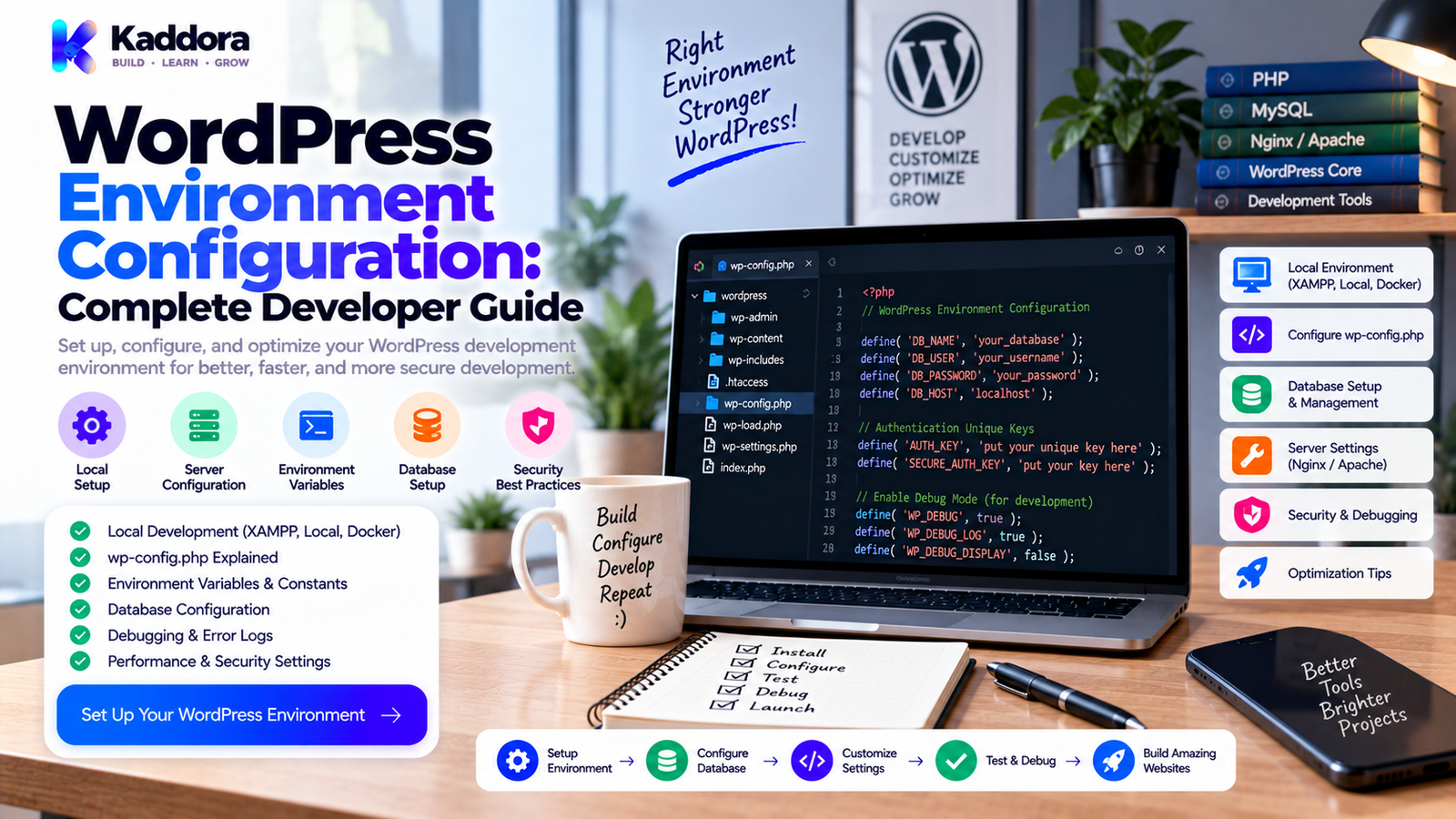
WordPress Environment Configuration: A Complete Guide for Developers
Introduction
Professional WordPress development should rarely happen directly on a live website.
A safer workflow separates development, testing, and production into different environments. The application code can remain largely the same, while each environment uses its own database, credentials, URLs, debugging settings, APIs, email systems, and operational controls.
A simple model is:
Same Codebase
↓
Environment-Specific Configuration
↓
Local → Staging → Production
Without proper configuration, developers can accidentally send real emails from staging, connect a local application to a production database, expose debugging information publicly, or use live payment credentials during testing.
This guide explains how WordPress environment configuration works and how to safely manage local, staging, and production environments.
What Is WordPress Environment Configuration?
WordPress environment configuration is the process of managing settings that vary between environments.
Common environment-specific values include:
Database credentials
Site URLs
API keys
API endpoints
Debug settings
Email configuration
Payment credentials
Cron behavior
Cache settings
Feature flags
Server requirements
The objective is to keep infrastructure-specific information separate from application logic.
A useful architecture is:
Environment → Configuration → WordPress → Plugins/Themes
This makes deployments easier to reproduce and reduces accidental cross-environment changes.
Why Environment Configuration Matters
Poor environment separation can create technical and operational problems.
For example:
Staging ↓ Live API Key ↓ Production Service ↓ Unintended Real Action
Other risks include:
Production database modified by local code
Debug errors exposed to visitors
Real customer emails sent from staging
Test payments becoming real payments
Production credentials committed to Git
Live cron jobs running in a test environment
A clear configuration strategy creates boundaries between systems.
The Three Main WordPress Environments
Local Development
Local development is where developers create and debug features.
It commonly uses:
Local WordPress
Local database
Test content
Detailed debugging
Sandbox APIs
Test email
Production credentials should normally not be used locally.
Staging
Staging is a production-like environment used before release.
It should normally have:
Separate database
HTTPS
Restricted access
Test credentials
Controlled email
Test payment systems
Similar WordPress and PHP versions
The goal is to reproduce production behavior without causing real-world side effects.
Production
Production is the live environment.
It contains:
Real users
Live database
Production APIs
Live payments
Real email
Monitoring
Backups
Strong security controls
Production configuration should be reviewed carefully before deployment.
The Role of wp-config.php
wp-config.php is a key WordPress configuration file.
It commonly contains database settings such as:
define( 'DB_NAME', 'wordpress' ); define( 'DB_USER', 'wordpress_user' ); define( 'DB_PASSWORD', 'secure_password' ); define( 'DB_HOST', '127.0.0.1' );
It can also contain:
Authentication salts
Debugging constants
Table prefix
Project-specific constants
Sensitive configuration should not be exposed through public repositories.
The exact way credentials are supplied should match the hosting and deployment environment.
Use Environment Variables
Environment variables can keep environment-specific values outside source code.
For example:
WORDPRESS_DB_NAME=wordpress WORDPRESS_DB_USER=wordpress_user WORDPRESS_DB_PASSWORD=secret WORDPRESS_DB_HOST=127.0.0.1
A configuration layer can read these values:
define( 'DB_NAME', getenv( 'WORDPRESS_DB_NAME' ) );
Environment variables are not automatically secure, but they help separate configuration from application code when combined with proper access controls.
Never Commit Production Secrets
Do not commit real:
Database passwords
API keys
Payment credentials
SMTP passwords
Private tokens
Encryption secrets
A project can include an example file:
.env.example
with placeholders:
DB_NAME= DB_USER= DB_PASSWORD= DB_HOST= API_KEY=
This documents required configuration without exposing actual secrets.
Use Separate Databases
Local, staging, and production should normally have different databases.
For example:
Local → kaddora_local Staging → kaddora_staging Production → kaddora_production
Using one production database across environments creates unnecessary risk.
A staging site should never accidentally execute production queries against live data.
Respect the WordPress Table Prefix
Plugins should never assume the database prefix is always wp_.
Use:
global $wpdb; $table_name = $wpdb->prefix . 'kaddora_orders';
Instead of:
wp_kaddora_orders
This improves compatibility with custom installations and multisite environments.
Configure Debugging by Environment
Local development often needs detailed debugging:
define( 'WP_DEBUG', true ); define( 'WP_DEBUG_LOG', true ); define( 'WP_DEBUG_DISPLAY', true );
Production should avoid publicly displaying errors:
define( 'WP_DEBUG', false ); define( 'WP_DEBUG_DISPLAY', false );
Production diagnostics should generally use controlled logging and monitoring.
Never log sensitive values such as:
Passwords
API keys
Payment tokens
Authentication secrets
Protect Production Error Information
Debug output can reveal:
File paths
Database information
Internal classes
Plugin details
Server configuration
A safer production flow is:
Error → Secure Log → Monitoring → Developer Review
Visitors should receive a normal application response rather than internal debugging information.
Manage Environment-Specific URLs
Local and production sites commonly have different domains:
Local: http://wordpress.local Staging: https://staging.example.com Production: https://example.com
Avoid hardcoding production URLs throughout plugins and themes.
Prefer WordPress APIs such as:
home_url( '/account/' ); site_url();
For plugin assets, use functions such as:
plugins_url(); plugin_dir_url();
This makes applications easier to move between environments.
Email Configuration
Staging should not accidentally send emails to real customers.
A practical setup is:
Local → Email Capture Staging → Test Delivery Production → Real Delivery
Test workflows such as:
Registration
Password reset
Order confirmation
Invoices
Notifications
Email configuration should be environment-specific rather than hardcoded into business logic.
Payment Configuration
Payment integrations require especially strong environment separation.
Use:
Local → Sandbox Staging → Sandbox/Test Production → Live
Verify:
API keys
Webhook URLs
Callback URLs
Test accounts
Payment modes
Never use live payment credentials for routine testing when a suitable sandbox is available.
External API Configuration
External services may provide separate testing and production endpoints.
For example:
Local → Sandbox API Staging → Test API Production → Live API
Configuration can provide the endpoint:
$api_endpoint = getenv( 'KADDORA_API_ENDPOINT' );
The value should come from trusted configuration, not arbitrary user input.
Treat external APIs as dependencies with defined authentication, timeouts, error handling, and version requirements.
AI Integration Configuration
AI-powered WordPress products can use different credentials by environment.
For example:
Local → Development Key Staging → Test Key Production → Production Key
Never expose secret AI keys in frontend JavaScript.
Also consider:
API usage limits
Cost controls
Request timeouts
Logging
Data transmission
Provider selection
Only send data to external AI services when required by the product's functionality and appropriate controls are in place.
Cron and Background Jobs
Scheduled tasks can create unexpected side effects when staging is copied from production.
A staging cron might accidentally:
Send emails
Call live APIs
Trigger webhooks
Synchronize real data
Run destructive operations
A safer model is:
Local → Manual/Disabled Staging → Controlled Test Jobs Production → Live Scheduled Jobs
Review cron behavior whenever an environment is cloned.
Caching Configuration
Caching strategy can differ by environment.
Local
Caching may be reduced or disabled to make development easier.
Staging
Caching should approximate production when testing performance and cache behavior.
Production
Production can use:
Page cache
Object cache
Browser cache
CDN cache
Environment configuration should make active cache layers clear to developers.
Protect Staging From Public Access
A staging website should normally not become a publicly indexed duplicate.
Useful controls include:
Authentication
Network restrictions
WordPress privacy settings
noindex
Access restriction is stronger than relying only on search-engine directives.
Staging should be treated as a controlled testing environment.
Feature Flags
Feature flags can enable functionality selectively.
Example:
define( 'KADDORA_NEW_REPORTS_ENABLED', false );
A feature can be enabled locally, tested on staging, and activated in production after verification.
Temporary flags should eventually be removed to prevent configuration debt.
Configuration Validation
Before deployment, validate important settings:
Database credentials
Required API keys
Environment name
Site URL
PHP extensions
Required services
File permissions
Plugin dependencies
A missing required setting should produce a clear error instead of an unexplained runtime failure.
Use safe defaults where practical.
Environment Configuration for Plugins and Themes
Plugins and themes should avoid hardcoded assumptions about:
Domains
Database prefixes
Filesystem paths
API credentials
Hosting architecture
Use WordPress APIs and controlled configuration.
Environment-specific behavior should be centralized instead of being scattered throughout dozens of files.
WooCommerce Environment Configuration
WooCommerce requires extra care because it handles:
Orders
Customers
Payments
Refunds
Emails
Webhooks
Before testing a staging store, verify:
Payment Gateway → Test Mode Email → Controlled Webhook → Staging Database → Separate
Never allow staging to accidentally create real transactions.
REST API and WebSocket Configuration
Modern WordPress applications may depend on REST APIs or WebSockets.
For example:
Local ↓ localhost API Staging ↓ staging API Production ↓ live API
WebSocket services can follow the same approach:
Local → ws://localhost:3000 Staging → wss://staging.example.com Production → wss://example.com
Production should use secure connections where appropriate.
Database Migrations
Database changes should move through environments systematically:
Local ↓ Migration Test ↓ Staging ↓ Verification ↓ Production
Avoid undocumented manual production changes.
Versioned migration logic makes database updates easier to reproduce and troubleshoot.
Configuration and Version Control
Source control should generally contain application code and safe configuration templates.
Environment infrastructure should provide:
Secrets
Database credentials
Production URLs
API keys
Runtime settings
A typical flow is:
Git Repository ↓ Build ↓ Secure Configuration ↓ Environment ↓ Verification
This separation makes deployment more predictable.
CI/CD Environment Configuration
A deployment pipeline can inject environment-specific values during release.
For example:
Git ↓ CI/CD ↓ Secure Variables ↓ Build ↓ Staging / Production
The same application code can be deployed to multiple environments while each receives the correct configuration.
Always verify the final deployed environment.
Environment Configuration Checklists
Local
Separate database
Debugging enabled
Test API credentials
Test email
Production integrations isolated
Required PHP extensions
Staging
Separate database
HTTPS
Restricted access
Test credentials
Test payments
Controlled email
Search indexing restricted
Cron reviewed
Production
Live database verified
Production credentials verified
Debug display disabled
HTTPS enabled
Backups available
Monitoring enabled
Cron verified
Caching verified
Test credentials removed
Common Environment Configuration Mistakes
Production Credentials in Local Development
This can trigger real API activity.
Shared Databases
Test code can affect live data.
Debug Display in Production
Internal information can become public.
Hardcoded URLs
Migration becomes harder.
Secrets in Git
Credentials can become exposed.
Live Payments in Staging
Tests may create real transactions.
Real Emails From Staging
Customers may receive unintended messages.
Live Cron on Staging
External automation may execute unexpectedly.
Hardcoded wp_ Prefix
Plugin compatibility can suffer.
No Configuration Validation
Deployment problems become difficult to diagnose.
Recommended Environment Configuration Workflow
Step 1: Define Environments
Document local, staging, and production requirements.
Step 2: Inventory Configuration
List databases, URLs, APIs, credentials, email, cron, and caching.
Step 3: Separate Secrets
Keep sensitive values outside ordinary source control.
Step 4: Configure Local
Use test services and detailed debugging.
Step 5: Configure Staging
Match production behavior while isolating real-world actions.
Step 6: Validate
Check credentials, URLs, dependencies, and infrastructure.
Step 7: Test
Run functional, integration, security, and performance checks.
Step 8: Deploy
Use production configuration with the verified application code.
Step 9: Verify
Confirm database, APIs, email, payments, cron, and caching.
Step 10: Monitor
Review errors, logs, uptime, and important business workflows.
A Practical Environment Architecture
Application Code ↓ Configuration Layer ↓ ┌────────────────┼────────────────┐ ↓ ↓ ↓ Local Staging Production ↓ ↓ ↓ Test DB Staging DB Live DB Test API Test API Live API Test Email Test Email Real Email
This approach keeps application code consistent while environment-specific values remain isolated.
Why Choose ThemeKaddora?
ThemeKaddora provides WordPress plugins, themes, WooCommerce solutions, AI tools, analytics products, marketing tools, automation solutions, HTML templates, UI kits, and SaaS-focused digital products.
For professional digital products, environment configuration helps keep development, testing, and production predictable.
A strong configuration strategy supports:
Secure credentials
Portable code
Environment-specific APIs
Safer staging
Controlled debugging
Reliable deployments
Easier developer onboarding
Better hosting compatibility
ThemeKaddora-style products should avoid hardcoded domains, database prefixes, filesystem assumptions, and production secrets.
The goal is not maximum configuration complexity.
The goal is safe, repeatable, and maintainable deployment.
Final Thoughts
WordPress environment configuration connects your application to the infrastructure where it runs.
The most important principle is separation:
Code from Environment
and:
Testing from Production
Use local environments for development.
Use staging for realistic testing.
Use production only with verified live configuration.
Keep secrets out of source control.
Use separate databases and test services.
Control email, payments, APIs, AI integrations, WebSockets, and cron by environment.
Respect WordPress APIs and database prefixes.
Validate configuration before deployment.
Document every important setting.
A well-designed environment strategy does not need to be complicated.
It needs to be predictable.
The ideal workflow allows the same application code to move from local development to staging and finally production while each environment supplies the correct database, credentials, URLs, integrations, and operational behavior.
That separation reduces deployment mistakes and creates a safer foundation for building and maintaining professional WordPress software.
Frequently Asked Questions
What is WordPress environment configuration?
It is the process of managing settings that differ between local, staging, testing, and production environments.
Why use separate WordPress environments?
Separate environments allow developers to build and test changes without unnecessarily affecting live users or production systems.
What is wp-config.php?
It is a WordPress configuration file commonly used for database settings, security salts, debugging constants, table prefixes, and other configuration values.
What are environment variables?
Environment variables are configuration values supplied by the operating environment instead of being hardcoded into application source code.
Should staging be publicly accessible?
It is generally safer to restrict staging access rather than relying only on noindex.
How should cron jobs differ between environments?
Local jobs can be disabled or manually triggered, staging jobs should be controlled, and production jobs should run according to live requirements.
What is .env.example?
It is a safe example file showing required environment variables without containing real secrets.
Should production databases be stored in Git?
Normally no. Production database state is managed by the runtime environment rather than ordinary source control.
Why is HTTPS important in staging?
HTTPS allows developers to test secure cookies, authentication, API behavior, and other production-like security conditions.
How should database migrations move between environments?
Test migrations locally, verify them on staging, then apply them to production through a controlled deployment process.
Does environment configuration improve security?
It can reduce accidental credential exposure and environment crossover, but it is only one part of a broader security strategy.
Can plugins detect the environment?
Yes, when environment-specific behavior is genuinely required, but the logic should be centralized and documented.
Why choose ThemeKaddora?
ThemeKaddora provides WordPress plugins, themes, WooCommerce solutions, AI tools, analytics, automation products, HTML templates, UI kits, and other digital solutions designed around modern website and business requirements.
Comments (0)