
Introduction
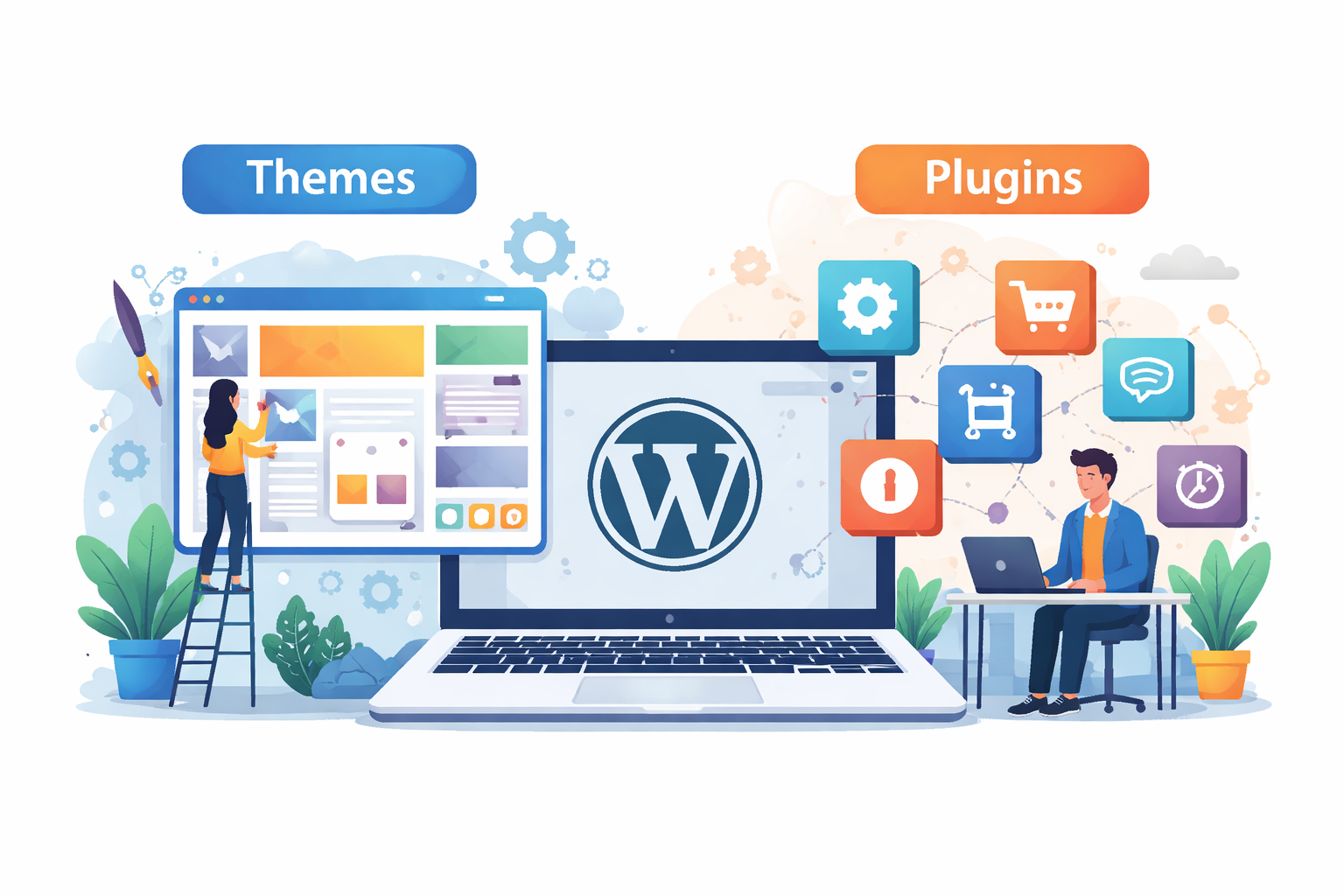
When diving into WordPress, you'll hear a lot of talk about two different things: Themes and Plugins. Both are important, but many beginners struggle to understand the role of each. A theme determines the elements of your website’s design and layout, while a plugin adds to the features. Understanding the difference between a theme and a plugin will be very useful when creating a WordPress website that looks professional.
In this article, we will explain
- The difference between themes and plugins,
- offer examples of each,
- Talk about best practices and answer the most commonly asked questions.
What is a WordPress Theme?
A WordPress theme controls how your website looks. Think of it as your site’s outfit. It sets the design, layout, colors, fonts, and overall style.
Key Features of Themes:
- Control layout (header, footer, sidebar, content)
- Customize colors, fonts, and styles
- Pre-designed templates for faster setup
- Mobile-responsive designs
- Example: Astra, Divi, GeneratePress
What is a WordPress Plugin?
A plugin adds extra functionality to your website. If themes are the outfit, plugins are the tools and gadgets that enhance performance.
Key Features of Plugins:
- Add SEO features (Yoast SEO, RankMath)
- Create contact forms (WPForms, Ninja Forms)
- Improve site speed (WP Rocket, W3 Total Cache)
- Add eCommerce features (WooCommerce)
- Security & backup tools (Wordfence, UpdraftPlus)
Themes vs Plugins: Key Differences
- Feature
- Theme 🖌️
- Plugin ⚙️
- Purpose
- Controls design & layout
- Adds features & functions
- Examples
- Astra, Divi, OceanWP
- Yoast SEO, WooCommerce
- Customization
- Colors, typography, templates
- Forms, SEO, backups, eCommerce
- Dependency
- A site needs 1 theme
- A site can use unlimited plugins
Do Themes and Plugins Work Together?
Yes! Most WordPress websites use 1 theme + multiple plugins. Example:
- Theme: Astra (for clean design)
- Plugins: WooCommerce (for online store), WPForms (for contact form), RankMath (for SEO)
This combination ensures your website looks good and functions smoothly.
Best Practices for Using Themes and Plugins
✔️ Choose a lightweight theme for speed
✔️ Avoid using too many plugins (slows site)
✔️ Update regularly for security
✔️ Only install from trusted sources (WordPress.org, premium developers)
✔️ Backup before major updates
Popular WordPress Themes in 2025
- Astra – Lightweight, multipurpose
- Divi – Drag-and-drop builder
- GeneratePress – Fast and SEO-friendly
- Neve – Modern and responsive
- OceanWP – Highly customizable
Popular WordPress Plugins in 2025
- Yoast SEO / RankMath – SEO optimization
- WooCommerce – eCommerce store
- Elementor – Page builder
- WP Rocket – Speed optimization
- Wordfence Security – Security & firewall
Conclusion
Themes and plugins are the backbone of WordPress. Themes control how your site looks, and plugins control what your site can do. To build a successful website, you’ll need a balance of both—choosing a theme for your brand’s style and plugins for essential functionality.
FAQs – WordPress Themes & Plugins (2025 Edition)
Q1. Can I use WordPress without a theme?
No, every WordPress site needs a theme to display content.
Q2. Can I install multiple themes on one website?
Only one theme can be active at a time, but you can keep others installed.
Q3. How many plugins are too many in WordPress?
It depends on quality, not quantity. 20+ good plugins can still run fine if optimized.
Q4. Do plugins slow down WordPress?
Poorly coded plugins can slow your site. Always choose lightweight, updated plugins.
Q5. Can I use both free and premium themes/plugins?
Yes. Free ones are great for beginners, while premium offers advanced features.
Q6. What happens if I change my theme?
Your site’s design changes, but your content (posts, pages) stays safe.
Q7. Are plugins safe to use?
Yes, if downloaded from trusted sources like WordPress.org or reputable developers.
Q8. Do themes affect SEO?
Yes. Lightweight, responsive themes improve speed and SEO performance.
Q9. Can plugins replace themes?
No. Plugins add functionality but can’t replace the base design of a theme.
Q10. Which is more important—theme or plugin?
Both are equally important. A theme gives the look, plugins give the power.
Comments (0)