
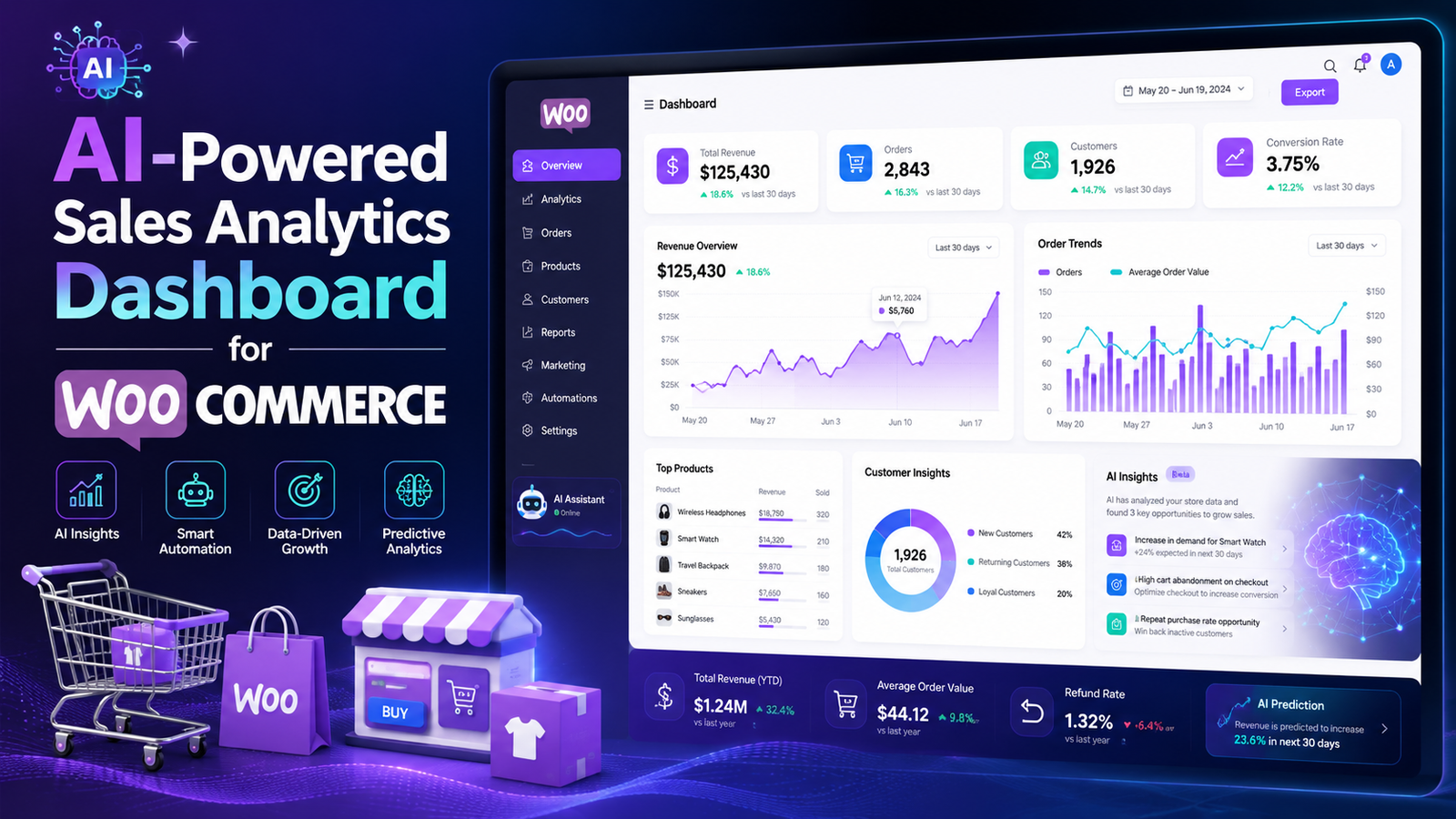
Sales Analytics for WooCommerce: Complete Guide
Running a WooCommerce store isn't just about getting orders—it's about understanding why customers buy, which products generate the highest revenue, and what changes can increase your profits.
Many store owners check only total sales at the end of the month. While that's useful, it doesn't reveal the complete picture. Without proper analytics, it's difficult to identify your best-selling products, highest-value customers, seasonal trends, or marketing campaigns that actually drive revenue.
That's where Sales Analytics for WooCommerce becomes essential.
With the right analytics solution, you can transform raw order data into actionable insights that help you make smarter business decisions.
In this guide, you'll learn what WooCommerce sales analytics is, why it matters, the key metrics to monitor, common mistakes to avoid, and how AI-powered analytics can help your business grow faster.
Quick Answer
What is Sales Analytics for WooCommerce?
Sales Analytics for WooCommerce is the process of collecting, analyzing, and visualizing sales data from your online store. It helps you track revenue, customer behavior, product performance, conversion trends, and business growth so you can make informed decisions based on real data instead of assumptions.
Why Sales Analytics Matters
Every WooCommerce store generates valuable data with every customer interaction.
Without analyzing that data, you may miss opportunities to:
Increase revenue
Improve conversion rates
Identify top-selling products
Understand customer behavior
Optimize pricing strategies
Reduce abandoned carts
Forecast future sales
Analytics turns numbers into business insights.
Benefits of WooCommerce Sales Analytics
1. Understand Revenue Trends
Track how your sales change daily, weekly, monthly, and annually.
Revenue trends help you identify:
Seasonal demand
Marketing performance
Product popularity
Business growth
2. Identify Best-Selling Products
Not every product contributes equally to your revenue.
Analytics helps you discover:
Top-performing products
Low-performing products
Fast-growing categories
Products with declining demand
These insights support smarter inventory and marketing decisions.
3. Analyze Customer Behavior
Knowing your customers helps you sell more effectively.
Sales analytics can reveal:
Purchase frequency
Average order value
Repeat customers
Customer lifetime value
Preferred products
This information is valuable for personalization and retention strategies.
4. Improve Marketing ROI
Analytics shows which marketing channels actually generate sales.
For example, you can compare:
Organic Search
Paid Advertising
Email Marketing
Social Media
Referral Traffic
Investing more in high-performing channels improves profitability.
5. Forecast Future Sales
Historical sales data helps predict future demand.
Accurate forecasting improves:
Inventory planning
Budget allocation
Staffing decisions
Marketing campaigns
6. Monitor Business Performance
Instead of relying on intuition, analytics provides measurable performance indicators.
You can evaluate:
Revenue growth
Profit trends
Customer acquisition
Product performance
Store efficiency
Essential WooCommerce Sales Metrics
Every online store should monitor these key performance indicators (KPIs):
Total Revenue
Overall sales generated during a selected period.
Total Orders
The number of completed customer purchases.
Average Order Value (AOV)
The average amount customers spend per order.
Conversion Rate
The percentage of visitors who complete a purchase.
Customer Lifetime Value (CLV)
The estimated revenue generated by a customer over their relationship with your business.
Repeat Customer Rate
The percentage of customers who return to buy again.
Refund Rate
The percentage of orders that are refunded.
Best-Selling Products
Products generating the highest revenue and sales volume.
Common Sales Analytics Mistakes
Many WooCommerce businesses make these mistakes:
❌ Tracking only total revenue
❌ Ignoring customer behavior
❌ Not monitoring conversion rates
❌ Making decisions without data
❌ Failing to review reports regularly
❌ Using disconnected reporting tools
❌ Overlooking seasonal trends
Avoiding these mistakes helps you make more informed business decisions.
Best Practices for Sales Analytics
Review Reports Weekly
Consistent reporting helps you identify trends before they become major issues.
Track Key KPIs
Focus on metrics that directly impact business growth rather than trying to monitor everything.
Segment Your Customers
Group customers based on purchasing behavior, location, or spending patterns to create more targeted marketing campaigns.
Compare Performance Over Time
Measure month-over-month and year-over-year growth to understand long-term trends.
Use AI for Deeper Insights
Artificial intelligence can identify hidden patterns, predict future sales, and recommend optimization opportunities that traditional reports may miss.
How AI Improves Sales Analytics
Traditional reports explain what happened.
AI goes a step further by helping you understand why it happened and what you should do next.
AI-powered analytics can:
Detect sales trends automatically
Identify high-value customers
Predict future revenue
Highlight slow-moving products
Recommend growth opportunities
Reduce manual reporting
This enables faster, more confident business decisions.
How Kaddora AI Sales Analytics Helps
As your WooCommerce store grows, spreadsheets and basic reports become difficult to manage.
Kaddora AI Sales Analytics brings all your important sales data into one intelligent dashboard.
Key Features
AI-powered sales insights
Real-time revenue tracking
Product performance analysis
Customer behavior analytics
Sales trend monitoring
Profit and revenue dashboards
Automated reports
WooCommerce integration
Fast, user-friendly interface
Instead of manually interpreting data, Kaddora AI Sales Analytics helps you quickly understand what's working, what needs attention, and where your next growth opportunity lies.
Sales Analytics Checklist
✅ Track Total Revenue
✅ Monitor Average Order Value
✅ Measure Conversion Rate
✅ Analyze Customer Lifetime Value
✅ Review Product Performance
✅ Monitor Repeat Purchases
✅ Compare Monthly Growth
✅ Use AI-Powered Insights
✅ Review Reports Regularly
Frequently Asked Questions
What is Sales Analytics for WooCommerce?
Sales analytics is the process of analyzing revenue, customer behavior, product performance, and business metrics to improve decision-making and grow your WooCommerce store.
Why is sales analytics important?
It helps identify trends, measure performance, optimize marketing campaigns, improve customer retention, and increase revenue.
Which metrics should I track?
Important metrics include revenue, orders, average order value, conversion rate, customer lifetime value, repeat purchase rate, refund rate, and product performance.
Can AI improve WooCommerce analytics?
Yes. AI can identify patterns, forecast sales, detect trends, and provide recommendations that help businesses make faster, data-driven decisions.
Which plugin is best for WooCommerce sales analytics?
If you're looking for AI-powered reporting, real-time dashboards, customer insights, and advanced business intelligence, Kaddora AI Sales Analytics is designed to help WooCommerce store owners make smarter decisions.
Final Thoughts
Sales data is one of the most valuable assets your WooCommerce business already has—but its true value comes from understanding it.
By consistently monitoring the right KPIs and leveraging AI-powered analytics, you can uncover growth opportunities, improve customer experiences, and make strategic decisions backed by real data.
If you want to move beyond basic reports and gain actionable business insights, Kaddora AI Sales Analytics provides a centralized, intelligent solution that helps you understand your store's performance and grow with confidence.
Comments (0)