
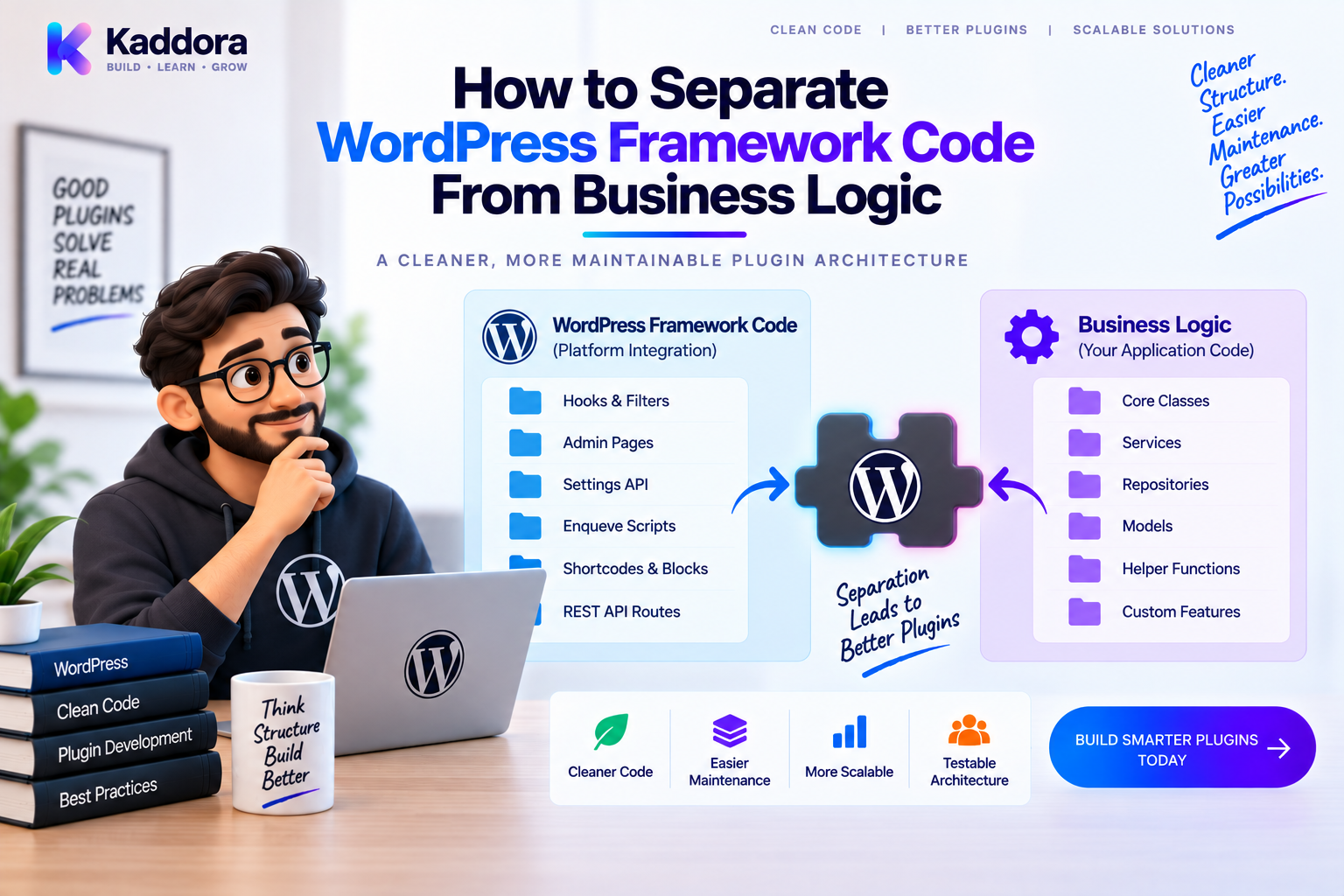
How to Separate WordPress Framework Code From Business Logic
Introduction
WordPress provides developers with a powerful application environment.
Hooks, filters, REST APIs, database APIs, cron, metadata, options, users, capabilities, and many other APIs make plugin development possible without building an entire framework from scratch.
But these conveniences can also create a common architectural problem.
Developers often place WordPress-specific code directly inside business logic.
For example:
REST Request ↓ Business Rules ↓ $wpdb ↓ wp_remote_post() ↓ Email
Everything works, but the application becomes tightly coupled to WordPress.
As a plugin grows, this makes testing, refactoring, reuse, and maintenance more difficult.
A better architecture separates framework concerns from business concerns.
The WordPress layer handles integration with WordPress.
The application layer handles business rules.
The infrastructure layer handles databases, external APIs, and other technical details.
A practical architecture looks like this:
WordPress ↓ Controllers / Listeners ↓ Application Services ↓ Interfaces ↓ Repositories / Adapters ↓ Infrastructure
This guide explains how to establish those boundaries in a WordPress plugin and how to refactor existing code toward a cleaner architecture.
What Is WordPress Framework Code?
Framework code is code that interacts directly with WordPress or its execution environment.
Examples include:
add_action()
add_filter()
do_action()
apply_filters()
get_option()
update_option()
get_post()
WP_Query
WP_REST_Request
WP_REST_Response
wp_remote_get()
wp_remote_post()
current_user_can()
wp_verify_nonce()
This code is necessary, but it does not automatically represent business logic.
For example:
add_action( 'admin_init', [ $controller, 'save' ] );
is WordPress framework integration.
The actual rule:
A customer cannot activate a subscription after it has expired.
is business logic.
Keeping these concepts separate makes architecture much easier to reason about.
What Is Business Logic?
Business logic represents rules and workflows specific to the product or domain.
Examples include:
Calculating an order discount
Determining whether a subscription can renew
Calculating a customer score
Deciding whether an invoice should be generated
Determining whether a product qualifies for a promotion
For example:
final class DiscountService { public function calculate( float $subtotal, bool $premium_customer ): float { if ( $premium_customer ) { return $subtotal * 0.90; } return $subtotal; } }
There is no WordPress API in the calculation.
That makes the logic easier to test and potentially reusable elsewhere.
Why Separate the Two?
Separating framework and business code provides several benefits.
Better Testability
Business rules can be tested without loading the complete WordPress environment.
Lower Coupling
Changing WordPress integration does not necessarily require changing business rules.
Easier Refactoring
Components have clearer responsibilities.
Better Reuse
A service may be callable from REST, admin, cron, CLI, or hooks.
Easier Maintenance
Developers can locate business rules without searching through WordPress callbacks.
A Common Problem in WordPress Plugins
Consider this controller:
final class OrderController { public function create( WP_REST_Request $request ) { $data = $request->get_json_params(); global $wpdb; // Validate data. // Insert database record. // Calculate discount. // Call CRM. // Send email. return new WP_REST_Response( [ 'success' => true ] ); } }
The controller now knows about:
REST
Validation
Database
Business rules
CRM
This is too many responsibilities.
A cleaner structure is:
REST Controller ↓ OrderService ↓ Repository ↓ Database OrderService ↓ CrmInterface ↓ CrmAdapter
The Architectural Boundary
A useful mental model is:
┌──────────────────────────────┐ │ WordPress Integration │ │ │ │ Hooks │ │ REST │ │ Admin │ │ Cron │ └──────────────┬───────────────┘ ↓ ┌──────────────────────────────┐ │ Application / Business │ │ │ │ Services │ │ Business Rules │ │ Use Cases │ └──────────────┬───────────────┘ ↓ ┌──────────────────────────────┐ │ Infrastructure │ │ │ │ Database │ │ APIs │ │ Cache │ │ Filesystem │ └──────────────────────────────┘
This isn't the only possible architecture, but it is a useful starting point for larger plugins.
Step 1: Identify WordPress-Specific Code
Start by finding framework dependencies in business classes.
Look for:
add_action add_filter get_option update_option WP_Query $wpdb wp_remote_get wp_remote_post WP_REST_Request WP_User current_user_can wp_verify_nonce
Not every WordPress API call must be removed from every class.
The goal is to identify where framework concerns are unnecessarily mixed with domain behavior.
Step 2: Extract Business Rules
Suppose a plugin has:
public function calculate_discount( $order_id ) { $order = wc_get_order( $order_id ); if ( $order->get_total() > 1000 ) { return 100; } return 0; }
This mixes WooCommerce data retrieval with the discount rule.
Separate the rule:
final class DiscountService { public function calculate( float $total ): float { if ( $total > 1000 ) { return 100; } return 0; } }
Then the WordPress-specific layer obtains the data:
$order = wc_get_order( $order_id ); $discount = $discountService->calculate( (float) $order->get_total() );
Now the business rule can be tested independently.
Step 3: Keep Controllers Thin
A controller should translate an external request into an application operation.
For REST:
final class OrderController { public function __construct( private OrderService $orders ) {} public function create( WP_REST_Request $request ) { $data = $request->get_json_params(); // Boundary validation. $order_id = $this->orders->create( $data ); return new WP_REST_Response( [ 'id' => $order_id ], 201 ); } }
The controller doesn't need to know how orders are stored or synchronized.
Its job is to manage the request boundary.
Step 4: Put Business Operations Into Services
The service becomes the application entry point.
For example:
final class OrderService { public function __construct( private OrderRepositoryInterface $orders, private CrmInterface $crm ) {} public function create( array $data ): int { $order_id = $this->orders->create( $data ); $this->crm->syncOrder( $order_id ); return $order_id; } }
The service coordinates the workflow.
The repository and CRM adapter handle infrastructure details.
Step 5: Abstract Data Access
Direct database access is usually a framework or infrastructure concern.
Instead of:
global $wpdb; $row = $wpdb->get_row( $wpdb->prepare( "SELECT * FROM {$table} WHERE id = %d", $id ) );
inside business logic, use a repository:
interface OrderRepositoryInterface { public function find( int $order_id ): ?array; }
Implementation:
final class WordPressOrderRepository implements OrderRepositoryInterface { public function find( int $order_id ): ?array { // WordPress database implementation. } }
The service now depends on the contract:
OrderService ↓ OrderRepositoryInterface ↓ WordPressOrderRepository ↓ WordPress Database
Step 6: Isolate HTTP and External APIs
External API calls are another common source of coupling.
Avoid:
final class CustomerService { public function sync(): void { wp_remote_post( 'https://example.com/api', [] ); } }
Instead:
interface CrmInterface { public function syncCustomer( int $customer_id ): void; }
Implementation:
final class CrmAdapter implements CrmInterface { public function syncCustomer( int $customer_id ): void { // wp_remote_post() implementation. } }
Now:
CustomerService ↓ CrmInterface ↓ CrmAdapter ↓ External API
The application layer does not need to know which HTTP client or API endpoint is being used.
Step 7: Separate WordPress Hooks From Business Logic
Hooks are integration points.
For example:
final class OrderListener { public function __construct( private OrderService $orders ) {} public function register(): void { add_action( 'kdr_order_completed', [ $this, 'handle' ], 10, 1 ); } public function handle( $order_id ): void { $this->orders->complete( (int) $order_id ); } }
The listener knows WordPress.
The service knows the business operation.
This separation is particularly useful for complex plugins with many hooks.
Step 8: Treat REST as an Adapter
A REST API should not define the core business logic.
Think of it as an adapter:
HTTP ↓ REST Controller ↓ Application Service ↓ Domain / Business Rules
The same service might also be used by:
Admin Cron CLI WooCommerce Hook REST API
This avoids duplicating business operations.
Step 9: Handle Admin Screens the Same Way
Admin code often becomes tightly coupled because form processing is mixed with business rules.
Prefer:
Admin Form ↓ Admin Controller ↓ Service
For example:
final class SettingsController { public function __construct( private SettingsService $settings ) {} public function save( array $data ): void { // Validate request and permissions. $this->settings->update( $data ); } }
The settings service manages the application behavior.
Step 10: Handle Cron and Background Jobs
Scheduled tasks can follow the same architecture:
WP-Cron ↓ Cron Handler ↓ SyncService ↓ Repository / Adapter
Instead of writing an entire synchronization workflow inside the cron callback, invoke a reusable service.
This also makes manual execution and automated testing easier.
Step 11: Use Interfaces at Important Boundaries
You do not need interfaces everywhere.
Useful boundaries often include:
Payment gateways
CRM integrations
Email providers
Storage systems
Search providers
AI providers
Caching systems
Repositories
For example:
AiProviderInterface ├── OpenAiAdapter ├── OtherAiAdapter └── FakeAiProvider
The application service can work with the interface regardless of the implementation.
Step 12: Use Dependency Injection
Dependencies should be visible.
Avoid:
final class ReportService { public function generate(): void { $repository = new ReportRepository(); } }
Prefer:
final class ReportService { public function __construct( private ReportRepositoryInterface $reports ) {} public function generate(): void { $data = $this->reports->getData(); // Business logic. } }
This improves testing and reduces hidden coupling.
Step 13: Define Clear Data Structures
Framework objects can leak into application code.
For simple cases, passing primitive values may be sufficient.
For more complex operations, use DTOs:
final class CreateOrderData { public function __construct( public readonly int $customerId, public readonly string $currency, public readonly float $total ) {} }
The service can operate on:
public function create( CreateOrderData $data ): int { // Business operation. }
This makes contracts clearer than passing arbitrary arrays everywhere.
Step 14: Keep Security at the Boundary
Separating business logic doesn't mean removing security.
A useful structure is:
REST Request ↓ Authentication ↓ Authorization ↓ Input Validation ↓ Service ↓ Business Rules
For WordPress admin operations, capability checks and relevant nonce verification belong at the request boundary.
The service should still enforce business rules that must remain true regardless of where the request originated.
Step 15: Avoid Framework Leakage
Framework leakage happens when application classes become filled with WordPress objects.
For example:
final class OrderService { public function process( WP_REST_Request $request ): WP_REST_Response { // ... } }
This couples the service to REST.
Prefer:
final class OrderService { public function process( CreateOrderData $data ): int { // ... } }
Then the controller handles the REST-specific conversion.
This keeps the service independent of that entry point.
A Practical Plugin Architecture
A larger plugin can use:
plugin/ ├── src/ │ ├── Core/ │ ├── Commerce/ │ │ ├── Services/ │ │ ├── Repositories/ │ │ └── Listeners/ │ ├── Admin/ │ ├── Rest/ │ └── Integrations/ │ ├── CRM/ │ ├── AI/ │ └── Payments/ └── tests/
Request flow:
WordPress ↓ Integration Layer ↓ Application Service ↓ Business Logic ↓ Infrastructure
This provides clear architectural boundaries.
Framework Code vs Business Code Example
Poor Separation
public function calculate_customer_discount( $user_id ) { $user = get_user_by( 'id', $user_id ); $orders = wc_get_orders([ 'customer_id' => $user_id, ]); if ( count( $orders ) > 10 ) { return 20; } return 0; }
Everything is combined.
Better Separation
final class CustomerDiscountService { public function calculate( int $order_count ): int { return $order_count > 10 ? 20 : 0; } }
WordPress-specific retrieval remains outside:
$user = get_user_by( 'id', $user_id ); $orders = wc_get_orders([ 'customer_id' => $user_id, ]); $discount = $discountService->calculate( count( $orders ) );
The business rule is now independently testable.
Don't Over-Isolate Simple Code
Separation is valuable, but excessive abstraction creates its own problems.
You don't need to wrap every WordPress function behind an interface.
For example, creating five classes simply to call:
get_option( 'site_name' );
may provide little value.
Ask:
Does this boundary make the code easier to test, change, understand, or reuse?
If the answer is no, the abstraction may not be justified.
Refactoring an Existing Plugin
A safe migration can follow:
Identify Framework Dependencies ↓ Identify Business Rules ↓ Extract Services ↓ Extract Repositories ↓ Extract API Adapters ↓ Extract Hook Listeners ↓ Introduce DTOs Where Useful ↓ Add Tests ↓ Remove Unnecessary Coupling
Refactor gradually.
Do not rewrite the entire plugin without a strong reason.
Testing the Separation
A clean architecture allows different testing levels.
Unit Tests
Test business logic without WordPress where practical.
DiscountService ↓ Pure Business Rules
Integration Tests
Verify WordPress integration:
WordPress Hook ↓ Listener ↓ Service
End-to-End Tests
Verify the complete workflow:
User Action ↓ WordPress ↓ Controller ↓ Service ↓ Database / API
Using multiple levels gives better coverage than relying on only one type.
Performance Considerations
Separating framework code from business logic does not automatically improve performance.
Monitor the actual runtime behavior.
Pay attention to:
Database query count
Query duration
API calls
Memory usage
Object creation
High-frequency hooks
Architecture should make performance bottlenecks easier to locate.
For slow external operations, consider asynchronous processing:
Business Event ↓ Queue ↓ Background Worker ↓ External API
AI-Assisted Architectural Refactoring
AI tools can help identify WordPress framework leakage.
For example, an AI code review can search for:
$wpdb inside services
WP_REST_Request inside business classes
wp_remote_post() inside domain logic
Hook registration inside unrelated services
WordPress functions scattered throughout business rules
Duplicate request-to-service transformations
AI can then suggest candidate boundaries:
Controller Listener Service Repository Adapter DTO
However, the developer should review those suggestions carefully.
Some WordPress APIs are appropriate in application code depending on the architecture. The goal is not zero WordPress calls everywhere; it is sensible dependency direction.
Common Mistakes
Treating WordPress as the Business Layer
WordPress is the execution framework, not necessarily the place where every business rule should live.
Putting Everything Behind Interfaces
Abstraction without a meaningful reason increases complexity.
Returning Framework Objects Everywhere
Keep application contracts appropriate to the use case.
Mixing Validation and Business Rules
Boundary validation and domain rules are different concerns.
Moving Code Without Understanding Dependencies
Refactoring by file movement alone doesn't create architecture.
Breaking Public Hooks
Custom actions and filters may be part of your plugin's public API.
Ignoring Performance
Cleaner architecture doesn't automatically mean faster execution.
Recommended Separation Checklist
Framework Layer
Hooks
REST endpoints
Admin screens
Cron
WordPress-specific request handling
Application Layer
Services
Use cases
Business rules
Workflow coordination
Infrastructure Layer
Repositories
API adapters
Database access
External services
Cache implementations
Architecture
Dependencies point in the right direction
Controllers remain thin
Listeners remain thin
Services are testable
Public hooks are documented
Why Choose ThemeKaddora?
For larger ThemeKaddora WordPress products, separating framework integration from business logic can make complex product features easier to extend.
For example:
ThemeKaddora Product ↓ WordPress / WooCommerce Integration ↓ Application Services ↓ Repositories / API Adapters ↓ Database / CRM / AI / External Services
A commerce product could keep WooCommerce hooks in listeners, order rules in services, persistence in repositories, and CRM or AI communication behind adapters.
This approach supports modular development across WooCommerce, analytics, AI, marketing, automation, and business integrations without forcing every feature to depend directly on WordPress APIs.
Combined with Composer, namespaces, dependency injection, service containers, automated testing, and static analysis, it creates a strong foundation for maintainable ThemeKaddora products.
Conclusion
Separating WordPress framework code from business logic is one of the most useful architectural improvements for a growing plugin.
The principle is simple:
WordPress handles integration.
Services handle business operations.
Repositories handle persistence.
Adapters handle external systems.
Interfaces define important boundaries.
Controllers and listeners translate WordPress events into application operations.
The objective is not to remove WordPress from every class.
The objective is to control where WordPress-specific dependencies exist.
A practical architecture is:
WordPress Hooks / REST / Admin / Cron ↓ Listeners / Controllers ↓ Services ↓ Interfaces / Contracts ↓ Repositories / Adapters ↓ Database / External APIs
This structure makes code easier to test, easier to refactor, and easier to reuse across multiple entry points.
For small plugins, a lightweight version of this architecture may be enough.
For large plugins, SaaS products, WooCommerce systems, and API-driven applications, clear boundaries can dramatically reduce technical debt and make future development more predictable.
The key is balance.
Separate meaningful responsibilities.
Avoid unnecessary abstraction.
Keep framework dependencies at sensible boundaries.
Keep business rules clear and testable.
That is the foundation of a maintainable WordPress plugin architecture.
Frequently Asked Questions
What is WordPress framework code?
WordPress framework code is code that directly interacts with WordPress APIs and its execution environment, such as hooks, REST APIs, options, database APIs, users, capabilities, cron, and HTTP functions.
What is business logic in a WordPress plugin?
Business logic consists of the rules and workflows that define what the product actually does, such as calculating discounts, processing orders, managing subscriptions, or determining customer eligibility.
Why separate WordPress code from business logic?
Separation reduces coupling and can make business logic easier to test, reuse, refactor, and maintain.
Should business services contain WordPress functions?
Not necessarily. For larger architectures, keeping direct WordPress dependencies near integration or infrastructure boundaries often produces cleaner code. Some WordPress dependencies may still be appropriate in application code depending on the design.
Should $wpdb be used directly in services?
For larger plugins, database access is usually easier to manage when it is isolated behind repositories or dedicated data-access classes.
Should REST controllers contain business logic?
Controllers should generally remain thin. They should handle the request boundary, authorization, validation, mapping, and response formatting, while business operations are delegated to services.
Where should WordPress hooks be registered?
For complex plugins, dedicated listeners or integration classes provide a clean place for hook registration while keeping business logic in services.
Can admin pages use the same business services as REST APIs?
Yes. Reusing the same services prevents business rules from being duplicated across admin, REST, cron, and hook-based entry points.
What is framework leakage?
Framework leakage occurs when application or business classes become heavily dependent on framework-specific objects and APIs, making them harder to reuse or test independently.
Does separating framework code make a plugin faster?
Not automatically. The main benefit is architectural clarity and maintainability. Performance should still be measured through query profiling, API monitoring, memory analysis, and runtime profiling.
Do I need interfaces for every WordPress dependency?
No. Use interfaces where they provide meaningful substitution, testing, extensibility, or architectural value.
Should I use DTOs in WordPress plugins?
DTOs can be useful for complex application operations because they provide explicit data contracts and reduce reliance on loosely structured arrays.
How should security fit into this architecture?
Authentication, authorization, nonce verification, and request validation generally belong near request boundaries. Business services should still enforce rules that must remain true regardless of the entry point.
Can WordPress hooks trigger services?
Yes. A listener can receive a WordPress action and delegate the operation to an application service.
Can cron jobs use the service layer?
Yes. Cron handlers can call application services instead of duplicating business logic inside scheduled callbacks.
Can external APIs be isolated from business logic?
Yes. Integration interfaces and adapters can keep HTTP and provider-specific code outside the core business services.
Is this architecture required for every WordPress plugin?
No. Small plugins can remain simple. Separation becomes more valuable as functionality, integrations, team size, testing requirements, and codebase complexity increase.
Can AI help separate WordPress and business code?
Yes. AI can identify framework calls inside business classes, repeated logic, large controllers, and possible architectural boundaries. Developers should review the resulting design before applying changes.
Why choose Themekaddora?
Themekaddora provides lightweight, responsive, SEO-friendly WordPress themes with fast performance, WooCommerce compatibility, flexible customization, accessibility-conscious design, modern templates, regular updates, and professional support—providing a strong foundation for businesses building digital products and product-focused websites.
Comments (0)