
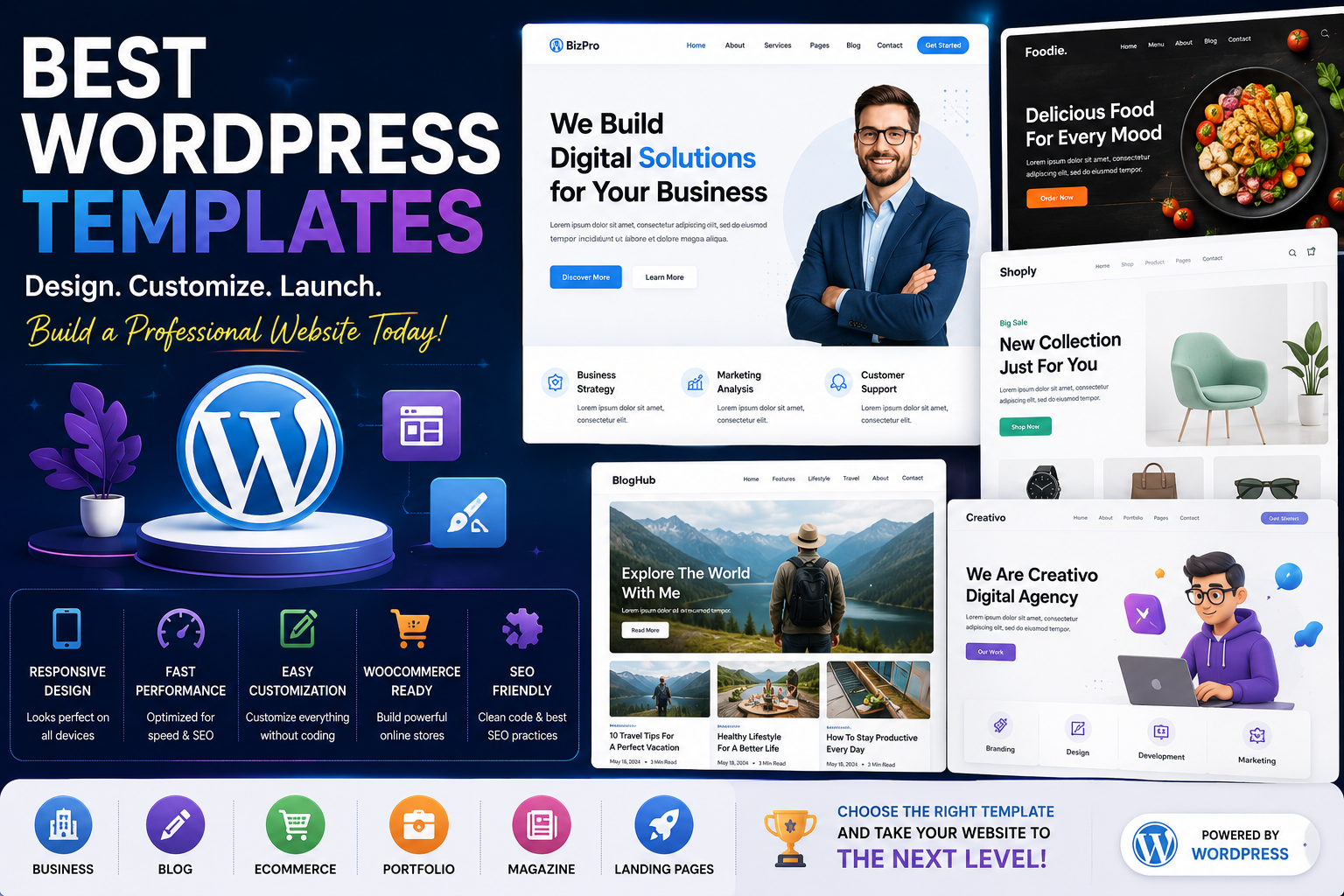
Best WordPress Templates for Building a Professional Website
A website is often the first impression your business makes online. Whether you're launching a personal blog, a corporate website, an online store, or a digital portfolio, the design of your website plays a major role in attracting visitors and building trust.
One of the easiest ways to create a professional-looking website is by using a high-quality WordPress template. Modern templates provide responsive layouts, customizable designs, SEO-friendly structures, and compatibility with popular page builders, making it possible to create a stunning website without extensive coding knowledge.
With thousands of WordPress templates available, choosing the right one can feel overwhelming. Some templates focus on speed and simplicity, while others include advanced customization features, WooCommerce support, portfolio layouts, or business-oriented designs.
In this comprehensive guide, you'll learn what WordPress templates are, why they matter, the features to look for, and how to choose the perfect template for your website.
What Is a WordPress Template?
A WordPress template is a pre-designed layout that controls the appearance of your website. It determines how pages, posts, headers, footers, sidebars, and other content are displayed.
Templates help website owners build professional websites without starting from scratch. Most modern templates include ready-made layouts, typography settings, color schemes, widget areas, and compatibility with page builders such as Elementor, Gutenberg, and Beaver Builder.
By choosing the right template, you can significantly reduce development time while ensuring your website looks polished and professional.
Why Choosing the Right WordPress Template Matters
Your website's design directly affects how visitors interact with your content.
A well-designed template can:
Improve user experience
Increase visitor engagement
Reduce bounce rates
Improve SEO performance
Enhance mobile responsiveness
Increase conversion rates
Build trust with your audience
Improve page loading speed
Choosing the wrong template can lead to slow performance, poor navigation, and limited customization options.
Key Features to Look for in a WordPress Template
Not all templates offer the same level of quality. Before selecting one, look for these essential features:
Responsive Design
Most users browse websites on smartphones and tablets. A responsive template automatically adapts to different screen sizes, ensuring a consistent experience across all devices.
Fast Loading Speed
Website speed is an important ranking factor and directly affects user satisfaction. Lightweight templates with optimized code help pages load faster.
SEO-Friendly Structure
An SEO-friendly template uses clean HTML, proper heading hierarchy, schema compatibility, and optimized layouts that make it easier for search engines to crawl and index your content.
Easy Customization
Look for templates that allow you to customize:
Colors
Fonts
Layouts
Headers
Footers
Widgets
Menus
without requiring advanced coding skills.
Page Builder Compatibility
Popular page builders such as Elementor and Gutenberg allow you to create custom layouts visually. A compatible template gives you greater design flexibility.
WooCommerce Support
If you plan to sell products online, choose a template that fully supports WooCommerce, including product pages, shopping carts, and checkout layouts.
Types of WordPress Templates
Different websites require different layouts.
Business Templates
Business templates focus on professionalism and include sections for services, testimonials, pricing, contact forms, and team members.
Ideal for:
Corporate websites
Agencies
Consulting firms
Startups
Service providers
Blog Templates
Blog templates emphasize readability and content presentation.
Common features include:
Multiple post layouts
Author profiles
Category pages
Featured images
Reading progress bars
Newsletter integration
These templates are perfect for personal blogs, travel blogs, technology blogs, and news websites.
WooCommerce Templates
WooCommerce templates are designed specifically for online stores.
Features often include:
Product grids
Quick view
Wishlist functionality
Product filters
Shopping cart optimization
Checkout enhancements
A well-designed eCommerce template can improve both user experience and sales.
Portfolio Templates
Creative professionals often choose portfolio templates to showcase their work.
Suitable for:
Designers
Photographers
Developers
Artists
Architects
Freelancers
These templates typically include gallery layouts, project showcases, testimonials, and case studies.
Magazine Templates
Magazine templates organize large amounts of content efficiently.
They often include:
Multiple homepage layouts
Category sections
Breaking news tickers
Advertisement spaces
Editorial widgets
These templates work well for online magazines and news portals.
Landing Page Templates
Landing page templates focus on conversions rather than navigation.
Common elements include:
Hero sections
Call-to-action buttons
Pricing tables
Testimonials
Contact forms
Lead generation forms
They are commonly used for product launches, SaaS businesses, and marketing campaigns.
How to Choose the Right WordPress Template
Choosing a template should begin with your website goals.
Ask yourself:
What type of website am I building?
Will I sell products?
Do I need blogging features?
Will multiple authors contribute?
Do I need multilingual support?
Is SEO important?
Do I require advanced customization?
Answering these questions helps narrow your options.
Common Mistakes to Avoid
Many beginners choose templates based only on appearance.
Avoid these mistakes:
Ignoring page speed
Choosing outdated templates
Installing too many demo features
Forgetting mobile responsiveness
Ignoring plugin compatibility
Using poorly maintained templates
Overlooking accessibility
A visually attractive template is only valuable if it also performs well.
Benefits of Premium WordPress Templates
While free templates are useful for beginners, premium templates often provide additional advantages.
Benefits include:
Professional support
Regular updates
Better security
More customization options
Premium layouts
WooCommerce enhancements
Faster performance
Better documentation
For businesses, investing in a premium template often provides long-term value.
Best Practices for Using WordPress Templates
To maximize performance:
Keep your template updated.
Use only necessary plugins.
Optimize images.
Enable caching.
Test mobile responsiveness.
Monitor website speed.
Back up your website regularly.
These practices help maintain a secure and high-performing website.
Final Thoughts
Choosing the right WordPress template is one of the most important decisions you'll make when building a website. A high-quality template improves design, usability, performance, and SEO while making it easier to customize your website as your business grows.
Instead of selecting a template based solely on appearance, consider factors such as speed, responsiveness, customization options, compatibility, and long-term support.
A carefully chosen template provides a solid foundation for creating a professional website that attracts visitors, builds credibility, and supports your business goals.
Frequently Asked Questions
What is a WordPress template?
A WordPress template is a pre-designed layout that controls the appearance and structure of your website.
Are premium WordPress templates worth buying?
Yes. Premium templates typically offer better support, more features, regular updates, and improved performance compared to many free alternatives.
Can I customize a WordPress template?
Most modern templates allow extensive customization through the WordPress Customizer, page builders, or theme options.
Are WordPress templates mobile-friendly?
Many modern templates are fully responsive, ensuring your website looks great on desktops, tablets, and smartphones.
Which template is best for WooCommerce?
The best WooCommerce template depends on your store's needs, but look for fast performance, product-focused layouts, and full WooCommerce compatibility.
Comments (0)