
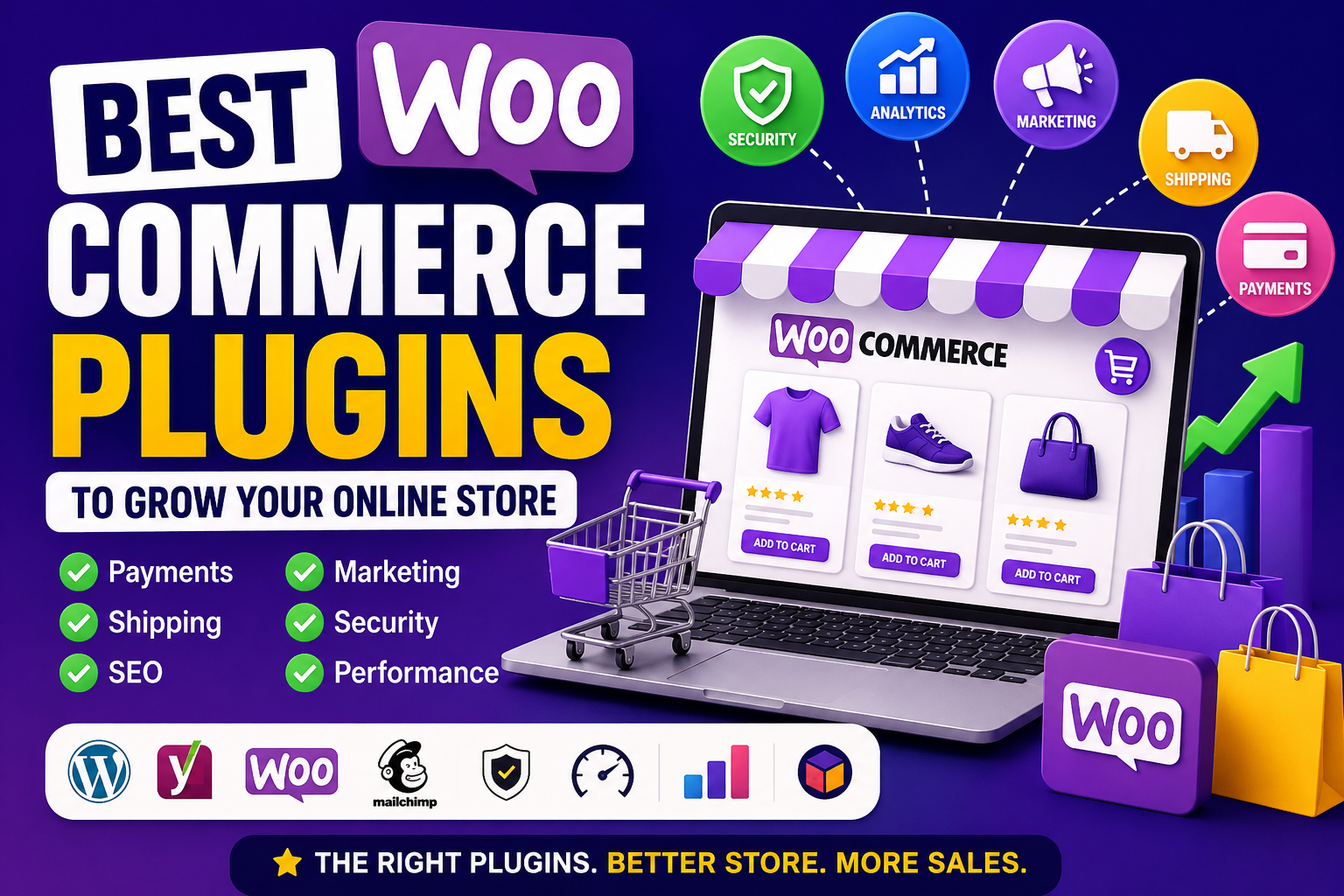
Best WooCommerce Plugins Compared: Which Ones Are Right for Your Store?
Introduction
WooCommerce gives store owners tremendous flexibility by allowing them to extend their websites with plugins. From accepting payments and managing inventory to improving SEO and automating marketing, plugins can transform a basic online store into a powerful eCommerce platform.
The challenge is that there are thousands of WooCommerce plugins available. Installing every plugin that looks useful isn't the right approach. Too many plugins can affect website speed, create compatibility issues, and make maintenance more difficult.
Instead of asking, "Which plugin is the best?", a better question is, "Which plugin category solves my business problem?" Every online store has different goals, customers, and operational requirements. A local boutique may prioritize inventory management and local delivery, while a digital product business may focus on downloads, licensing, and marketing automation.
This guide compares the major categories of WooCommerce plugins and explains what to evaluate before making a decision.
Why Compare WooCommerce Plugins?
Every plugin affects your store's performance, security, and customer experience.
Comparing plugins helps you:
Avoid unnecessary features
Choose solutions that match your business goals
Improve long-term performance
Reduce maintenance complexity
Make better purchasing decisions
Build a scalable WooCommerce store
A careful comparison saves time and reduces future migration challenges.
How to Compare WooCommerce Plugins
Rather than focusing only on popularity, evaluate plugins using consistent criteria.
Consider:
Compatibility with your WordPress and WooCommerce versions
Update frequency
Performance impact
Security practices
Ease of configuration
Documentation quality
Customer support
Pricing
Scalability
A plugin that performs well across these areas is usually a stronger long-term choice.
Payment Gateway Plugins
Payment plugins determine how customers complete purchases.
Look for features such as:
Support for multiple payment methods
Secure transaction processing
Mobile-friendly checkout
Refund management
Fraud prevention
Regional payment options
Choose gateways that match your target audience and business model.
Shipping & Delivery Plugins
Shipping plays a major role in customer satisfaction.
Useful features include:
Real-time shipping rates
Carrier integrations
Shipment tracking
Label printing
Delivery notifications
International shipping support
Stores shipping physical products benefit from flexible shipping tools.
Inventory Management Plugins
Inventory plugins help maintain accurate stock information.
Important capabilities include:
Stock monitoring
Low-stock alerts
Bulk inventory updates
Supplier management
Product variation support
Warehouse management integrations
Accurate inventory management helps reduce overselling and stock shortages.
SEO Plugins
SEO plugins improve the technical foundation of your product pages.
Look for support for:
Meta titles
Meta descriptions
XML sitemaps
Product schema
Breadcrumbs
Canonical URLs
Internal linking
Remember that strong product descriptions and useful content remain essential for long-term search visibility.
Marketing & Automation Plugins
Marketing plugins help attract new customers and encourage repeat purchases.
Popular capabilities include:
Email marketing
Abandoned cart recovery
Discount campaigns
Loyalty programs
Product recommendations
Customer segmentation
Marketing automation
Automation should support—not replace—well-planned marketing strategies.
Customer Support Plugins
Customer support contributes directly to trust and conversions.
Useful features include:
Live chat
AI chatbots
Contact forms
Help desk integration
FAQ management
Ticket systems
Fast responses can improve customer satisfaction and reduce abandoned purchases.
Analytics & Reporting Plugins
Analytics plugins help store owners understand performance.
Common reporting features include:
Sales trends
Best-selling products
Customer behavior
Revenue analysis
Conversion tracking
Inventory reports
Use these insights to guide inventory, pricing, and marketing decisions.
Security Plugins
Protecting customer accounts and payment information is essential.
Security-focused plugins may provide:
Firewall protection
Malware scanning
Login security
Activity monitoring
Security notifications
File integrity monitoring
Security should be treated as an ongoing process rather than a one-time setup.
Backup & Migration Plugins
Backups reduce downtime if unexpected problems occur.
Compare plugins based on:
Automatic scheduling
Cloud storage
One-click restoration
Migration tools
Incremental backups
Reliable backups are especially important for active online stores.
Performance Optimization Plugins
Fast websites improve customer experience and may contribute to better search performance.
Useful optimization features include:
Page caching
Browser caching
Image optimization
CSS and JavaScript optimization
CDN integration
Database cleanup
Performance optimization becomes increasingly valuable as traffic grows.
AI-Powered WooCommerce Plugins
AI is becoming more common in eCommerce workflows.
AI-powered plugins may assist with:
Product descriptions
Customer support
Product recommendations
Marketing automation
Image optimization
Sales insights
These tools can improve productivity while still benefiting from human review.
Free vs Premium Plugins
Both free and premium plugins have advantages.
Free Plugins
Suitable for:
Basic functionality
Smaller stores
Testing new features
Premium Plugins
Often provide:
Advanced functionality
Dedicated support
More frequent updates
Better documentation
Enterprise-ready capabilities
The right choice depends on your store's requirements and budget.
Decision Checklist
Before installing a WooCommerce plugin, ask:
✔ Is it compatible with my WooCommerce version?
✔ Does it receive regular updates?
✔ Does it solve a real business problem?
✔ Will it affect website performance?
✔ Is the documentation comprehensive?
✔ Is customer support available?
✔ Does it fit my budget?
✔ Can it scale as my business grows?
Answering these questions helps reduce unnecessary complexity.
Common Mistakes to Avoid
Avoid these common issues:
Installing plugins with overlapping functionality
Ignoring compatibility testing
Forgetting backups before updates
Downloading plugins from unofficial sources
Focusing only on price
Neglecting website performance
Careful evaluation helps maintain a reliable WooCommerce store.
Final Thoughts
There is no single "best" WooCommerce plugin for every online store. The ideal solution depends on your products, customers, workflow, and long-term business goals.
Rather than selecting plugins based solely on popularity, evaluate them according to compatibility, performance, security, scalability, documentation, and overall value. A carefully chosen collection of plugins will help you build an online store that is fast, secure, and capable of supporting future growth.
Frequently Asked Questions
What should I consider before installing a WooCommerce plugin?
Check compatibility, update frequency, performance impact, documentation, security, and whether the plugin addresses a genuine business requirement.
Do premium WooCommerce plugins provide better value?
Premium plugins often include advanced features, dedicated support, and regular updates. Whether they provide better value depends on your store's specific needs.
Can too many plugins affect WooCommerce performance?
Yes. Installing unnecessary or poorly optimized plugins can increase page load times and make maintenance more complex.
Should I test WooCommerce plugins before using them?
Testing new plugins on a staging site helps identify compatibility or performance issues before affecting your live store.
How often should WooCommerce plugins be updated?
Regular updates are recommended because they often include compatibility improvements, security patches, and bug fixes.
Comments (0)