
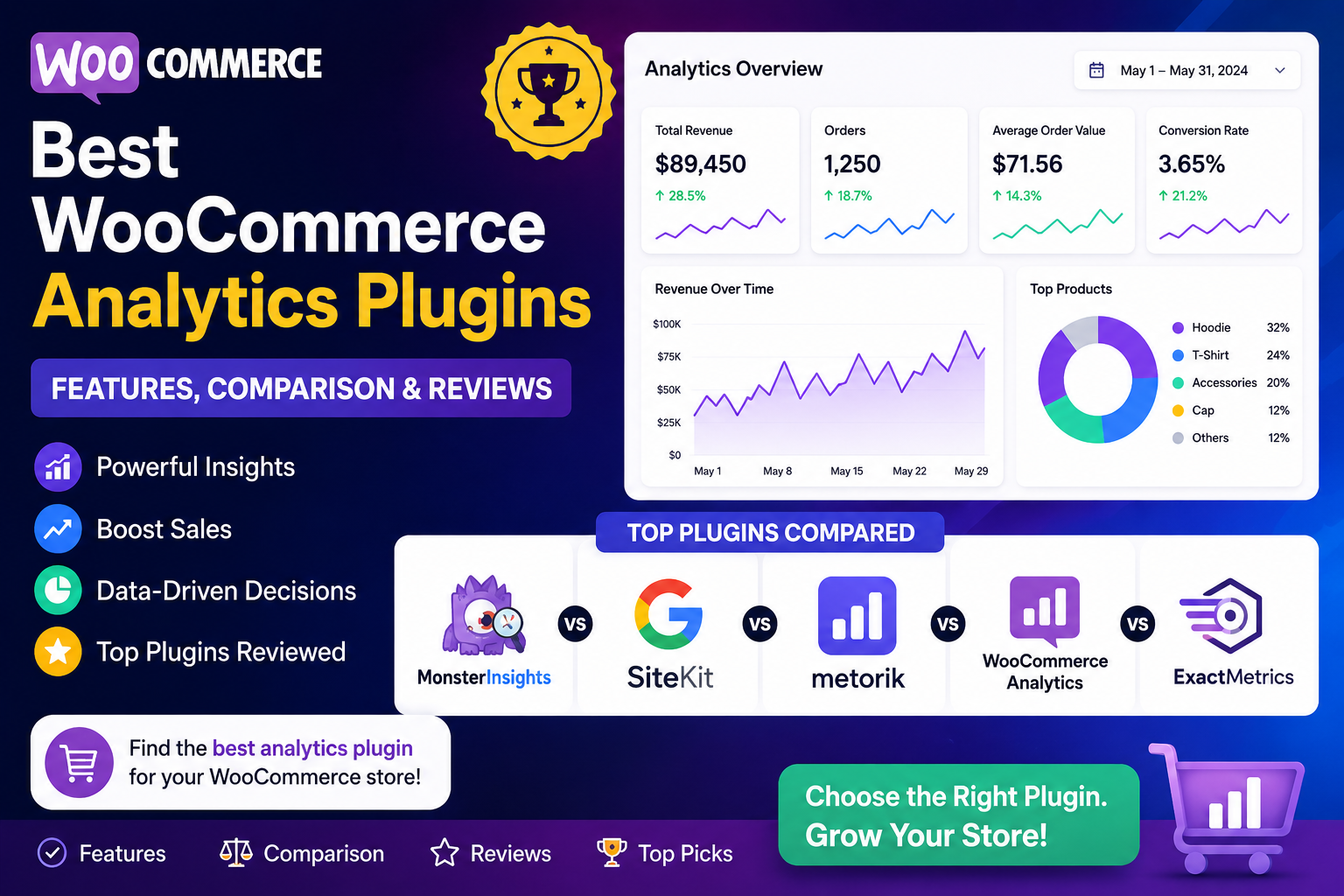
Best WooCommerce Analytics Plugins (2026 Comparison Guide)
Running a successful WooCommerce store requires more than attracting visitors and processing orders. To grow consistently, you need accurate insights into your sales, customers, products, marketing performance, and revenue trends.
While WooCommerce includes basic analytics, many businesses eventually require more advanced reporting, real-time dashboards, AI-powered insights, customer analytics, and revenue forecasting.
Choosing the right analytics plugin can help you make faster decisions, optimize marketing campaigns, improve customer retention, and increase profitability.
In this guide, we'll compare some of the best WooCommerce analytics plugins available in 2026, explain their strengths, highlight the features that matter most, and help you choose the right solution for your business.
Quick Answer
Which is the best WooCommerce analytics plugin?
The best WooCommerce analytics plugin depends on your business requirements.
If you need basic reporting, WooCommerce Analytics may be enough.
If you're looking for AI-powered insights, real-time dashboards, customer analytics, revenue forecasting, KPI tracking, and business intelligence, a dedicated analytics plugin such as Kaddora AI Sales Analytics can provide significantly deeper insights.
Why Use an Analytics Plugin?
Basic sales reports are useful, but growing stores usually need more visibility.
A modern analytics plugin helps you:
Monitor revenue in real time
Track business KPIs
Analyze customer behavior
Measure marketing performance
Forecast future sales
Identify top-performing products
Generate automated reports
Make data-driven decisions
Instead of manually combining reports from multiple tools, everything is available in one dashboard.
What to Look for in a WooCommerce Analytics Plugin
Before selecting a plugin, consider whether it offers the following capabilities.
Real-Time Dashboard
Live business metrics allow you to monitor store performance without waiting for scheduled reports.
Revenue Analytics
Track:
Total revenue
Revenue growth
Average Order Value (AOV)
Revenue by product
Revenue by category
Customer Analytics
Look for insights such as:
Customer Lifetime Value (CLV)
Repeat purchase rate
Customer segments
Purchase frequency
High-value customers
Product Performance Reports
Understanding which products perform well helps improve inventory management and promotional planning.
Marketing Analytics
A strong analytics plugin should help measure the effectiveness of:
Organic Search
Paid Advertising
Email Marketing
Social Media
Referral Campaigns
AI-Powered Insights
Artificial intelligence can:
Detect trends
Forecast revenue
Highlight unusual activity
Recommend business opportunities
Automate reporting
KPI Dashboard
An executive dashboard should display your most important business metrics in one place.
Best WooCommerce Analytics Plugins
🥇 Kaddora AI Sales Analytics
Best For: WooCommerce businesses that want AI-powered analytics, revenue intelligence, customer insights, and business growth recommendations.
Key Features
AI-powered sales insights
Real-time dashboards
Revenue analytics
Customer behavior tracking
Product performance analysis
KPI monitoring
Revenue forecasting
Automated reports
WooCommerce integration
Easy-to-use interface
Pros
✔ AI-driven insights
✔ Centralized dashboard
✔ Actionable recommendations
✔ Revenue forecasting
✔ Business intelligence
✔ Scalable for growing stores
Considerations
Best suited for businesses that want more than basic reporting and are looking for advanced analytics to support growth.
WooCommerce Analytics (Built-in)
Best For: Small stores with simple reporting needs.
Features
Revenue reports
Orders
Products
Customers
Coupons
Downloads
Pros
✔ Free
✔ Built into WooCommerce
✔ Easy to access
Limitations
Basic dashboards
Limited customization
No AI insights
Limited forecasting
Fewer advanced customer analytics
Google Analytics (with WooCommerce Integration)
Best For: Businesses focused on website traffic and marketing performance.
Strengths
Traffic analytics
User behavior
Conversion funnels
Marketing attribution
Audience segmentation
Considerations
Google Analytics is excellent for understanding website traffic, but it isn't a complete replacement for WooCommerce-focused operational and revenue analytics.
Business Intelligence & Reporting Solutions
Some businesses use specialized reporting platforms to combine data from WooCommerce, marketing tools, CRM systems, and accounting software.
These platforms are generally suited to larger organizations with more complex reporting requirements.
Feature Comparison
Feature
Kaddora AI Sales Analytics
WooCommerce Analytics
Google Analytics
Real-Time Dashboard
✅
Limited
Partial
Revenue Analytics
✅
✅
Partial
Customer Analytics
✅
Basic
Advanced (web behavior)
Product Performance
✅
✅
Limited
KPI Dashboard
✅
Basic
Partial
AI Insights
✅
❌
Limited AI features
Revenue Forecasting
✅
❌
❌
WooCommerce Focus
✅
✅
Partial
Beginner Friendly
✅
✅
Moderate
Why Kaddora AI Sales Analytics Stands Out
Many analytics solutions focus on only one aspect of business reporting.
Some specialize in website traffic, while others provide only sales reports.
Kaddora AI Sales Analytics brings together multiple capabilities in a single dashboard, including:
Revenue analytics
Product performance
Customer insights
AI-powered recommendations
Sales forecasting
KPI monitoring
Automated reporting
Instead of switching between several platforms, store owners can access meaningful business insights from one place.
How to Choose the Right Analytics Plugin
Ask yourself the following questions:
Do I need real-time dashboards?
Do I want AI-powered insights?
Which KPIs matter most to my business?
Do I need revenue forecasting?
How important is customer behavior analysis?
Will this solution scale as my business grows?
Is the dashboard easy for my team to use?
Selecting a plugin that aligns with your current needs and future growth plans will provide the greatest long-term value.
Best Practices
Review dashboards weekly.
Track the same KPIs consistently.
Compare month-over-month performance.
Combine sales, customer, and product analytics.
Validate important insights before making major business decisions.
Use analytics to guide marketing, inventory, and pricing strategies.
Frequently Asked Questions
Which WooCommerce analytics plugin is best?
The best plugin depends on your goals. Businesses that need AI-powered reporting, customer analytics, revenue forecasting, and real-time dashboards should consider solutions such as Kaddora AI Sales Analytics, while stores with basic requirements may find WooCommerce's built-in analytics sufficient.
Does WooCommerce include analytics?
Yes. WooCommerce includes built-in analytics for revenue, orders, products, customers, and coupons. However, advanced features like predictive analytics and AI-powered insights generally require dedicated analytics software.
Why use a dedicated analytics plugin?
Dedicated analytics plugins provide deeper business insights, automate reporting, monitor KPIs, and help identify opportunities that may not be visible in basic reports.
Can AI improve WooCommerce analytics?
Yes. AI can detect patterns, forecast revenue, identify high-value customers, and surface trends that help businesses make informed decisions more quickly.
Is Kaddora AI Sales Analytics suitable for growing stores?
It is designed for WooCommerce businesses that want centralized reporting, AI-powered insights, customer analytics, revenue tracking, and scalable business intelligence.
Final Thoughts
Analytics has become one of the most important competitive advantages for modern eCommerce businesses.
The right plugin doesn't just display numbers—it helps you understand what those numbers mean and how to act on them.
Whether you're running a small WooCommerce shop or a rapidly growing online business, investing in better analytics can lead to smarter marketing, stronger customer relationships, and sustainable revenue growth.
If your goal is to move beyond basic reports and gain AI-powered business intelligence, Kaddora AI Sales Analytics provides an integrated solution that helps transform everyday store data into actionable insights.
Comments (0)